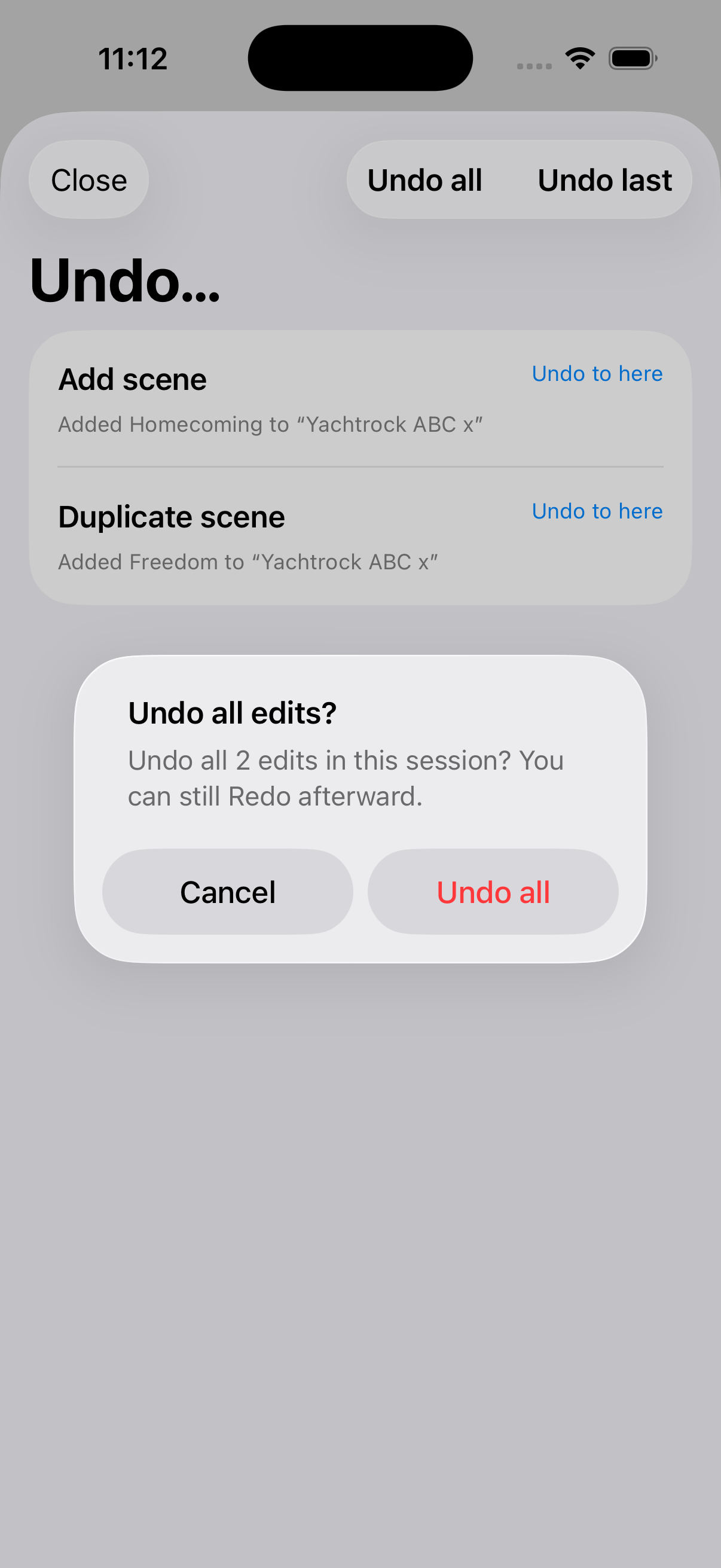
Undo
Your favorite multi-step lifesaver.
Fantom Set List Buddy offers you a Multi-Step Undo function which reaches back over many steps in an app session. When you quit the app — i.e. you terminate the session in Apple terms — the app clears the undo history. And of course there is Redo if you want to undo the undone. Got it? We got you!
Where to find the Undo Function
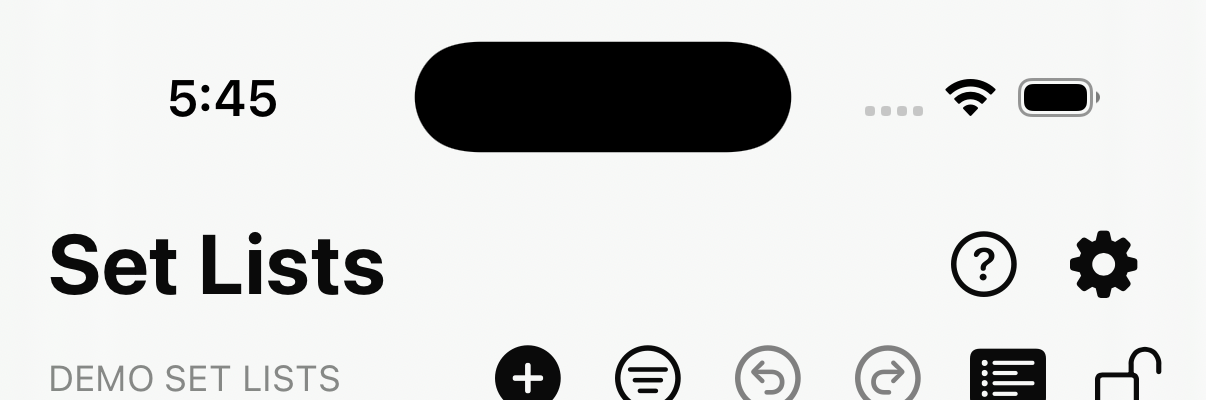
Where available on the screen, tap  Undo to see the last changes you performed and select up until which stage (you get the joke?) you want to return. The
  Redo function sits right next to it and allows you to re-apply what was undone.
Multi-Step Undo
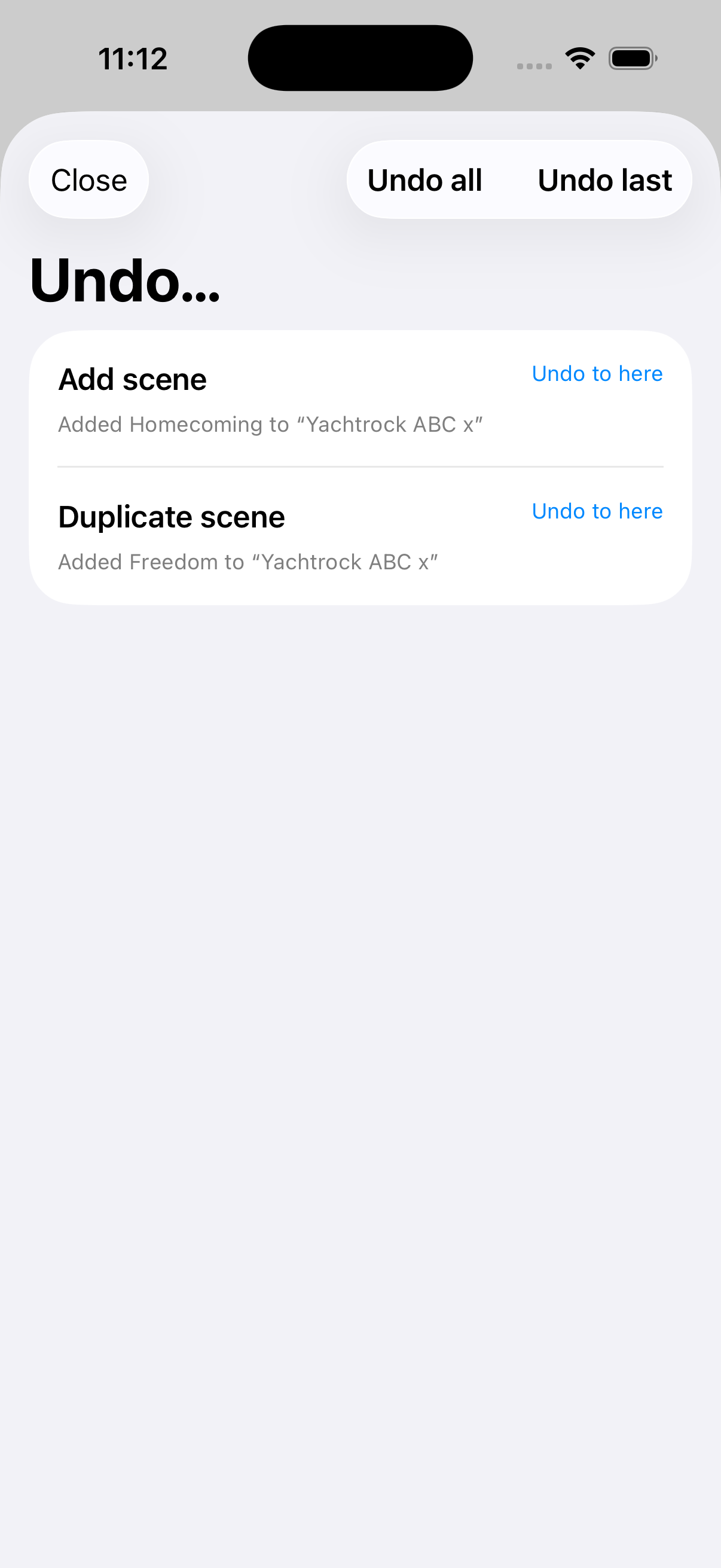
Your most recent actions appear on the top of the list. is how you select up until which step you want to go back. Same for Redo. You can also select to Undo all steps listed or just the last one (which is usually an unintended Drag & Drop, tell us if it was not).
Undo all
Asks once, then clears the stack. Redo remains until you make a new edit.