Overview / Backup on the Fantom
Backup on the Fantom
Create a backup on a Fantom-formatted USB stick.
It all starts with a Backup.
Or with formatting your USB stick on the Fantom, if you have not prepared one USB stick that way yet.
The Fantom writes a backup as a folder on the USB stick with many files in sub-folders. The Fantom Set List Buddy opens this whole folder when you import the backup into the app. The Fantom Restore menu later shows your exported folder as sibling folders next to your initial backups, if you keep those on the USB stick.
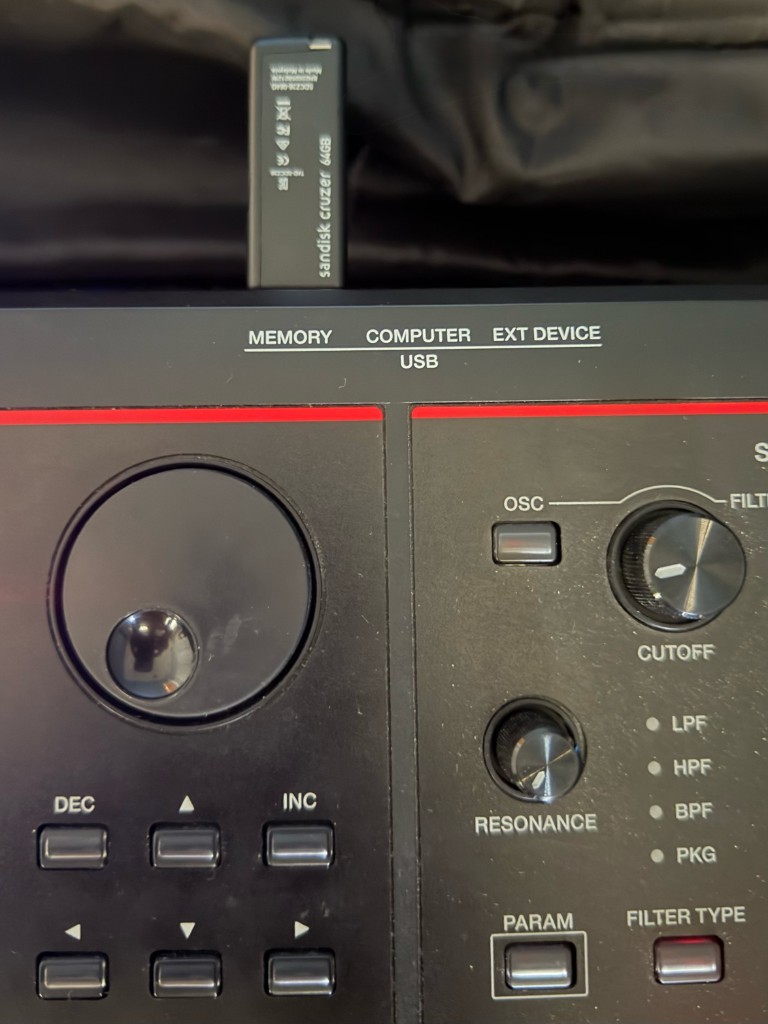
Plug into USB MEMORY
Use the rear port labeled MEMORY (not COMPUTER or EXT DEVICE).
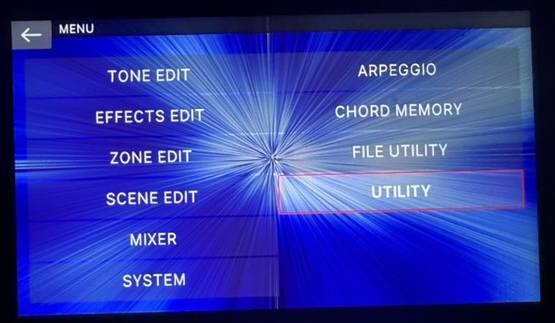
MENU → UTILITY
On the Fantom, open MENU and tap on UTILITY.
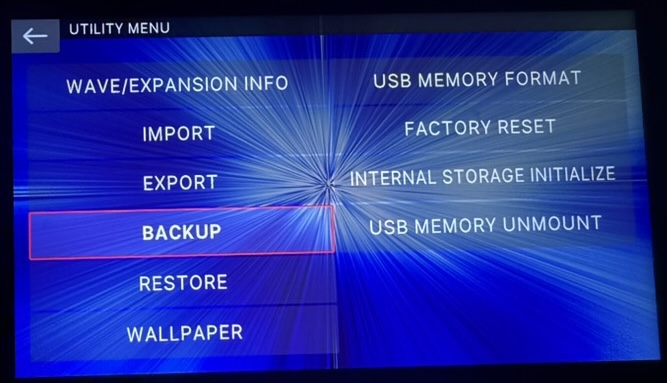
BACKUP and rename
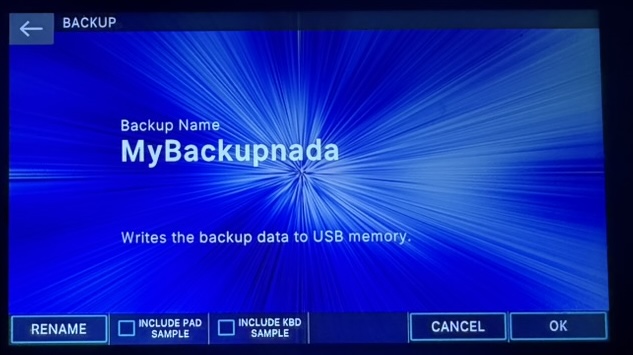
Tap on BACKUP. Use RENAME to give the backup a meaningful folder name which allows you to identify it clearly when loading it into the Fantom Set List Buddy.
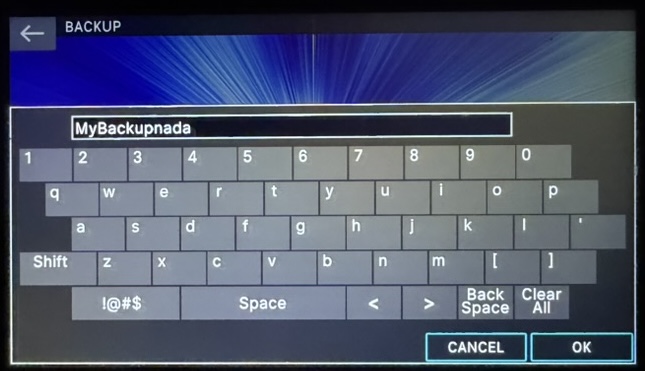
Sample options
On BACKUP, leave INCLUDE PAD SAMPLE and INCLUDE KBD SAMPLE off for the smallest, fastest backup when you only need set lists. Scene names and set lists are the same either way. Export mirrors whatever was in the backup you opened.