Overview / Songs
Songs
The Fantom doesn’t know “songs”, but Fantom Set List Buddy does! Link scenes to the song titles your band leader actually calls, and see how your imports get automated.
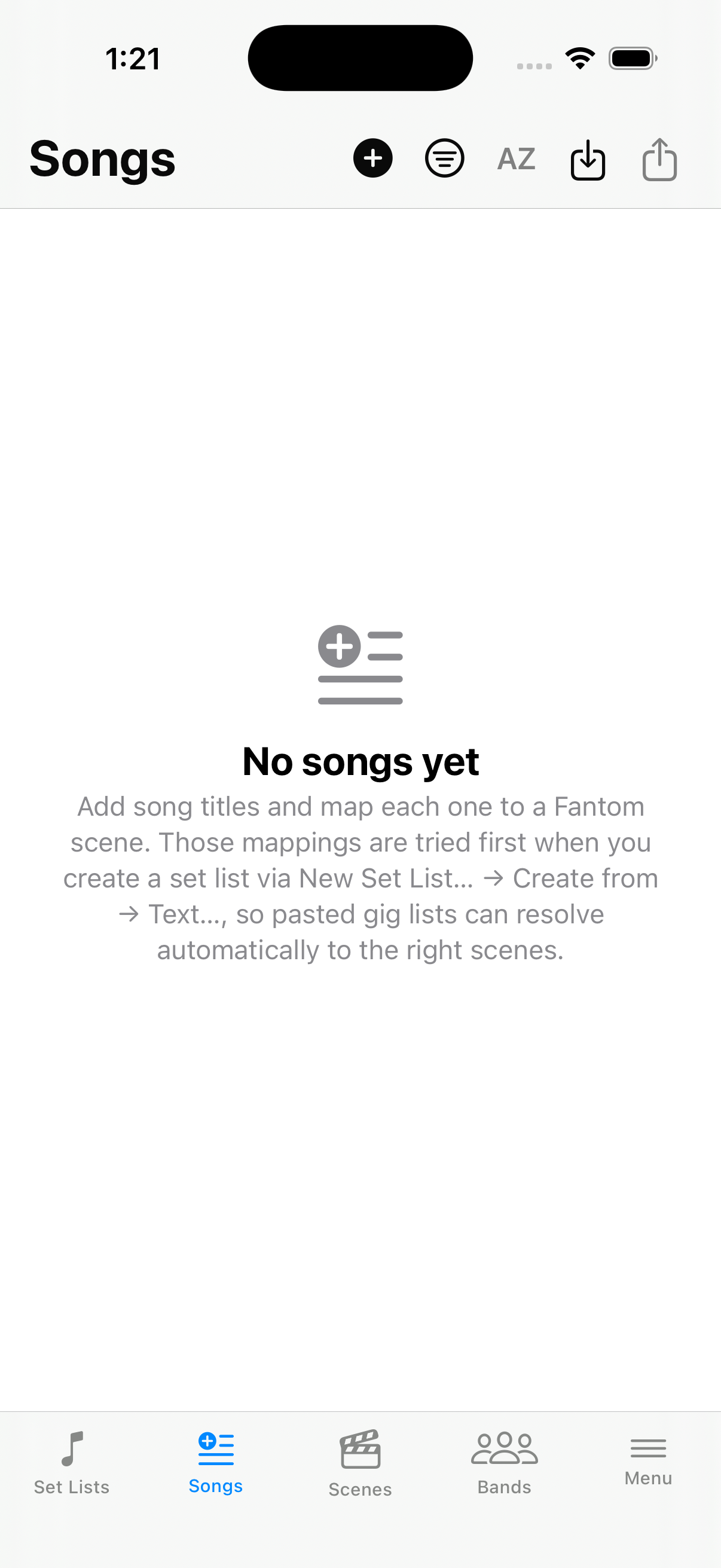
Songs in the sense of how we use them in Fantom Set List Buddy are not a concept on your Fantom. The Fantom works with scenes in Scene Chain lists. Fantom Set List Buddy uses Songs so you can relate song titles people actually use in emails or texts to you. Simply attach one or more scenes to each song, and build set lists more easily, or have Fantom Set List Buddy automate them for you.
A song in Fantom Set List Buddy can map to one scene (think of it as an alias for the scene), or hold multiple scenes in an order you can define and edit. This allows for the automated matching in New Set List from Text of scenes to songs when scene names do not match the song titles your band leader calls out in the set list. You can create such songs manually with  New on the Songs screen, or let the app learn them whenever you run Matching in New Set List from Text. Over time, the app gets better and better. Give it a try — once your songs are mapped, a new email or text from your band leader is a reason to smile at how much time Fantom Set List Buddy saves you.
Expand a multi-scene song to see its scenes.
Opening a backup with different scene names may ask whether to update song titles—choose Update names or Keep as is. Until a backup is open and that question is answered, Songs may stay empty.