Overview / Set Lists / Share a Set List
Share a Set List
Send tonight’s running order through your device’s share function.
Send tonight’s running order to your bandmates through your device’s share function — Mail, Messages, Files, AirDrop, or whatever your phone offers. On Set Lists, use from the context menu: tap  More at the end of the row (the ⋯ button), or press and hold the set list name.
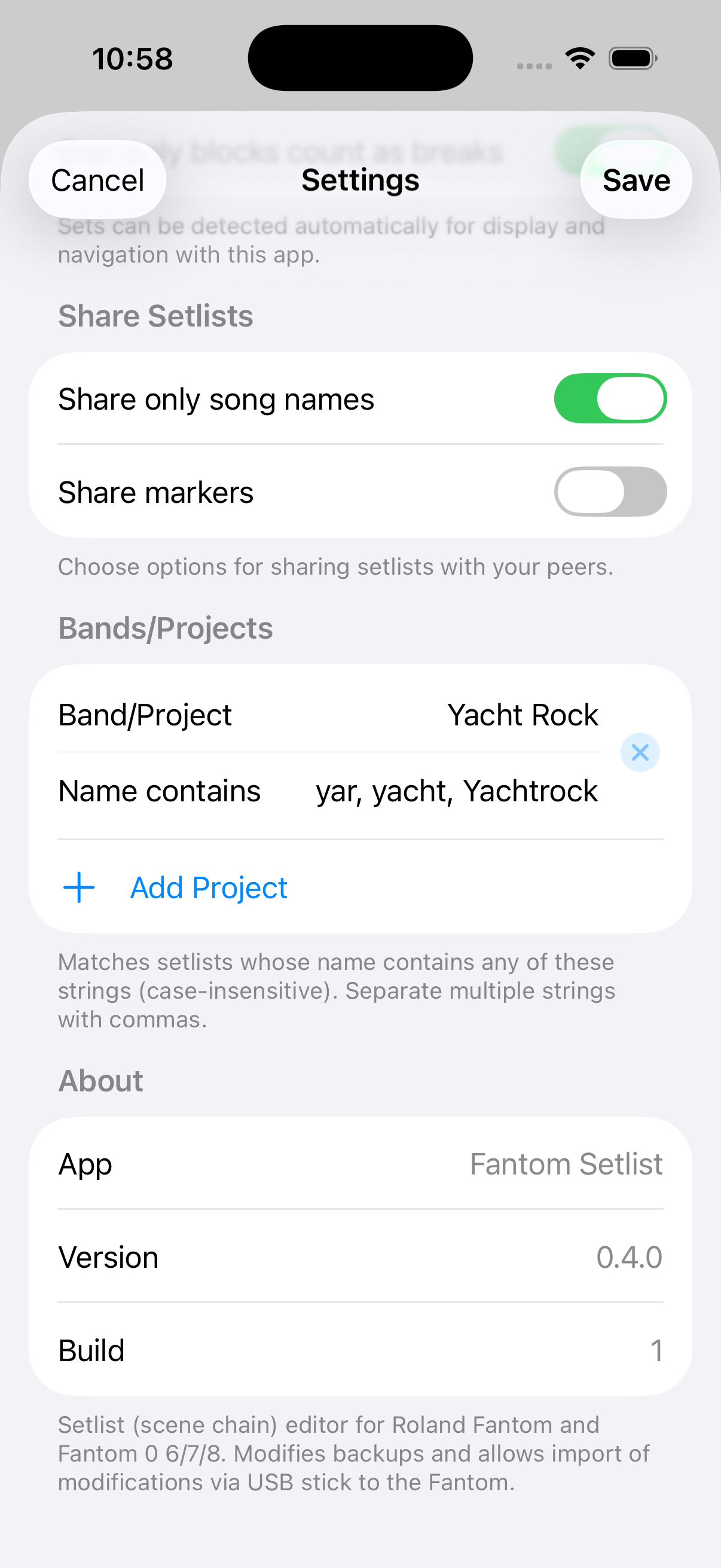
In the open set list editor,  Share in the top bar does the same thing. Defaults for what goes in the shared text live under Settings → Share Set Lists (
 Settings on any screen).
omits cue scenes and Pre/Break/Post cue blocks when you want a clean song list for the band. controls whether ◆ labels appear in the shared text.
Find Share…
On Set Lists, tap More on a set list to open the context menu — is near the top. Or open the set list and tap Share in the top bar.
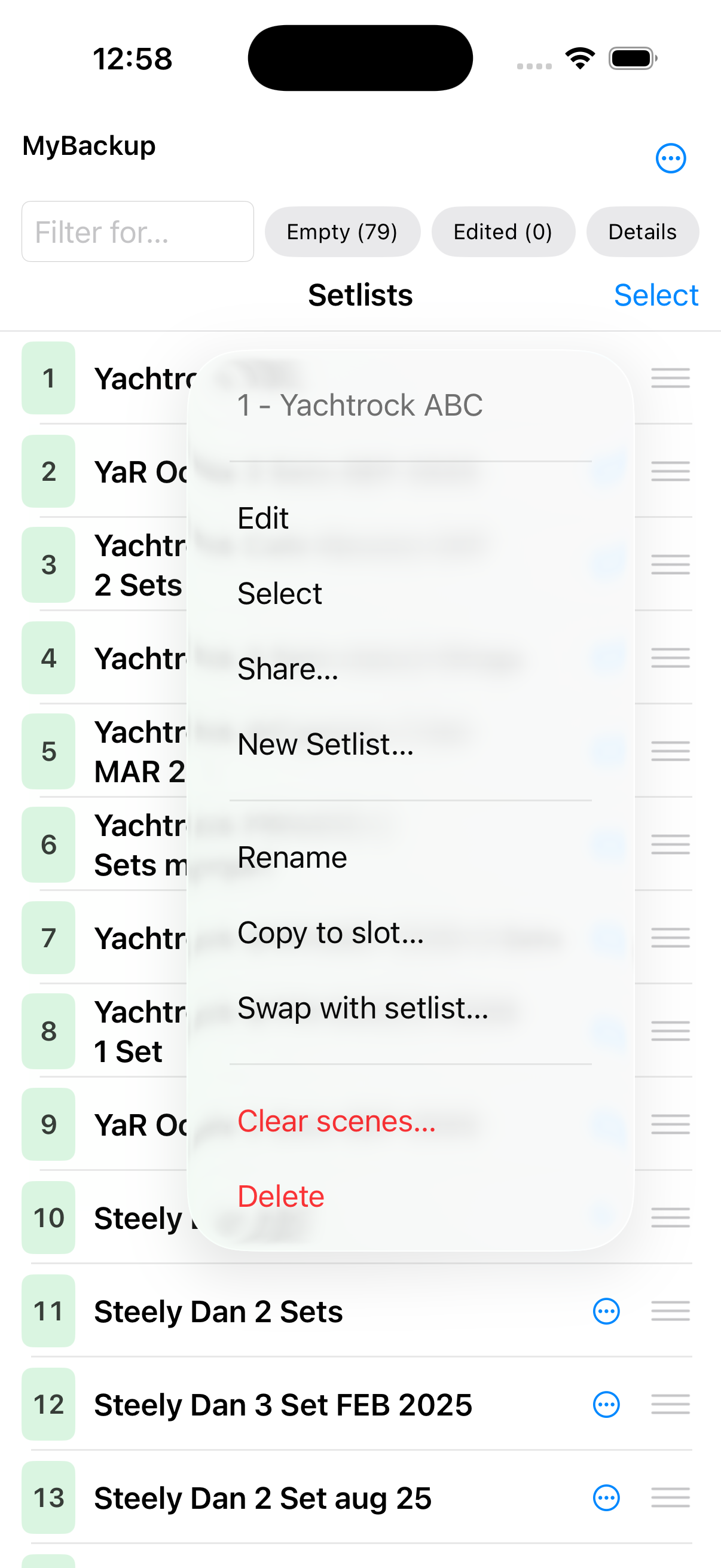
Open
The share sheet shows a text preview and all your device’s available destinations (Mail, Files, AirDrop, and more). Fantom Set List Buddy does not provide those destinations — we just call your operating system to provide whatever they offer, so this list can change from device to device and user to user.
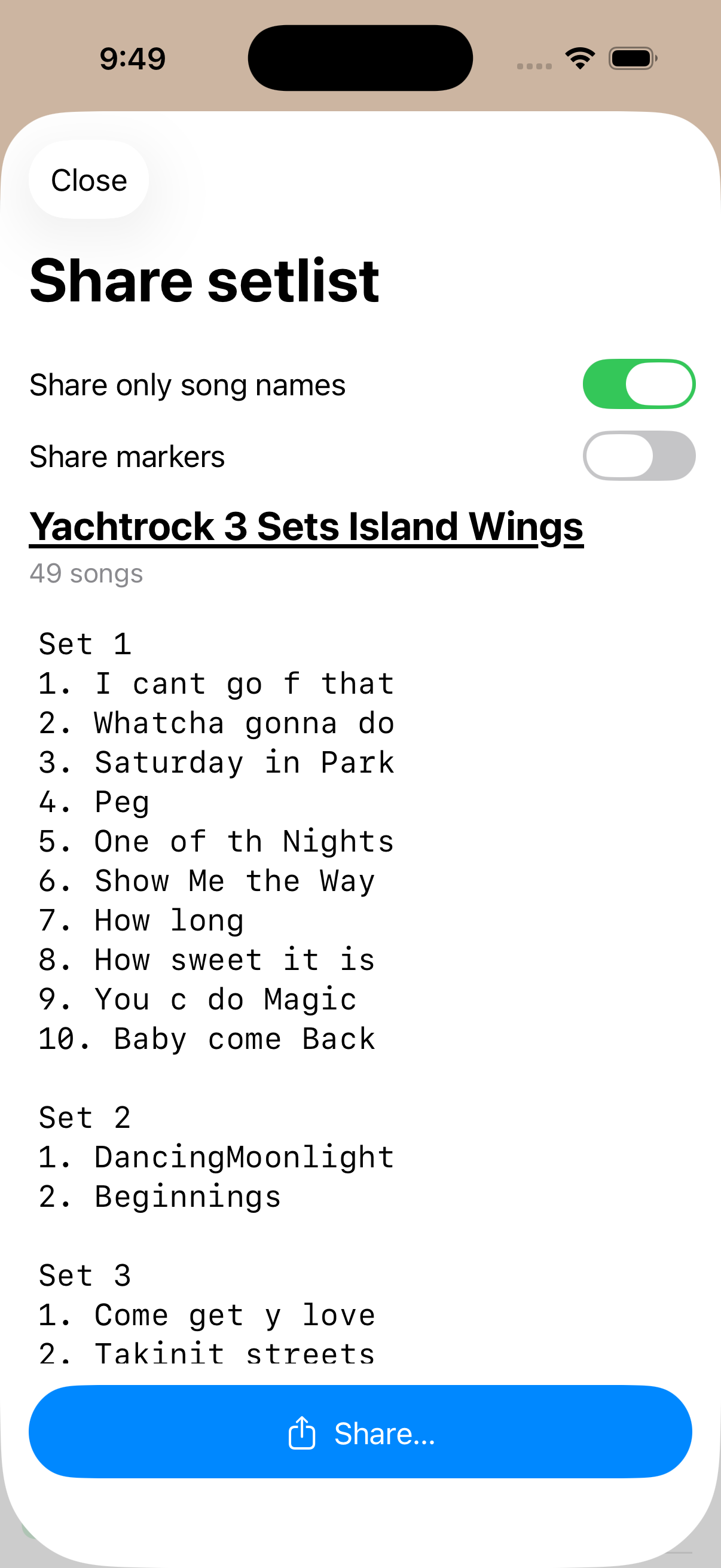
Choose what goes in the text
The toggles on the share preview and the corresponding defaults in Settings determine what information is passed on to your bandmates. They get only what you think they deserve!