Overview / Bands / Save and Load Bands
Save and Load Bands
Take your bands to another device—or bring them back after Reset—without putting files under the Fantom Restore tree.
Save and load bands to a folder on your device or the cloud with  Share and
  Load. Do not save that file inside
 /ROLAND/FANTOM/BACKUP or its subfolders. Your Fantom will not like that and may flag your USB stick as unavailable!
Share / Save
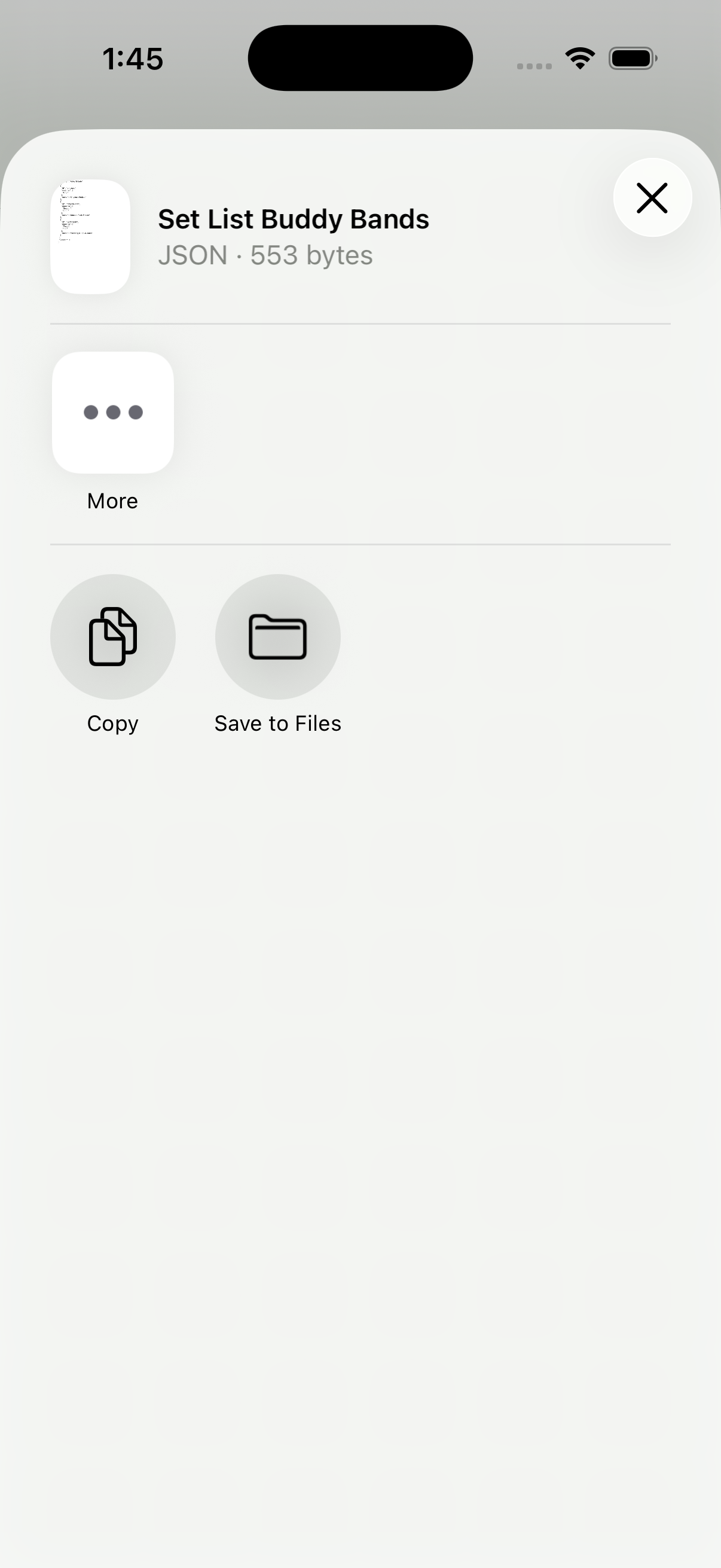
Tap Share on the Bands screen and pick a folder on your device or in the cloud.
Load
Tap Load and choose a Bands file to restore projects on this device (for example after Reset, or when setting up another phone).