Overview / Songs / Multi-Scene Songs
Multi-Scene Songs
One song can expand into several scenes—with optional automated markers.
On the Songs tab, one song can include several scenes (intro, verse, chorus). Adding that song into a set list inserts all of those scenes in order.
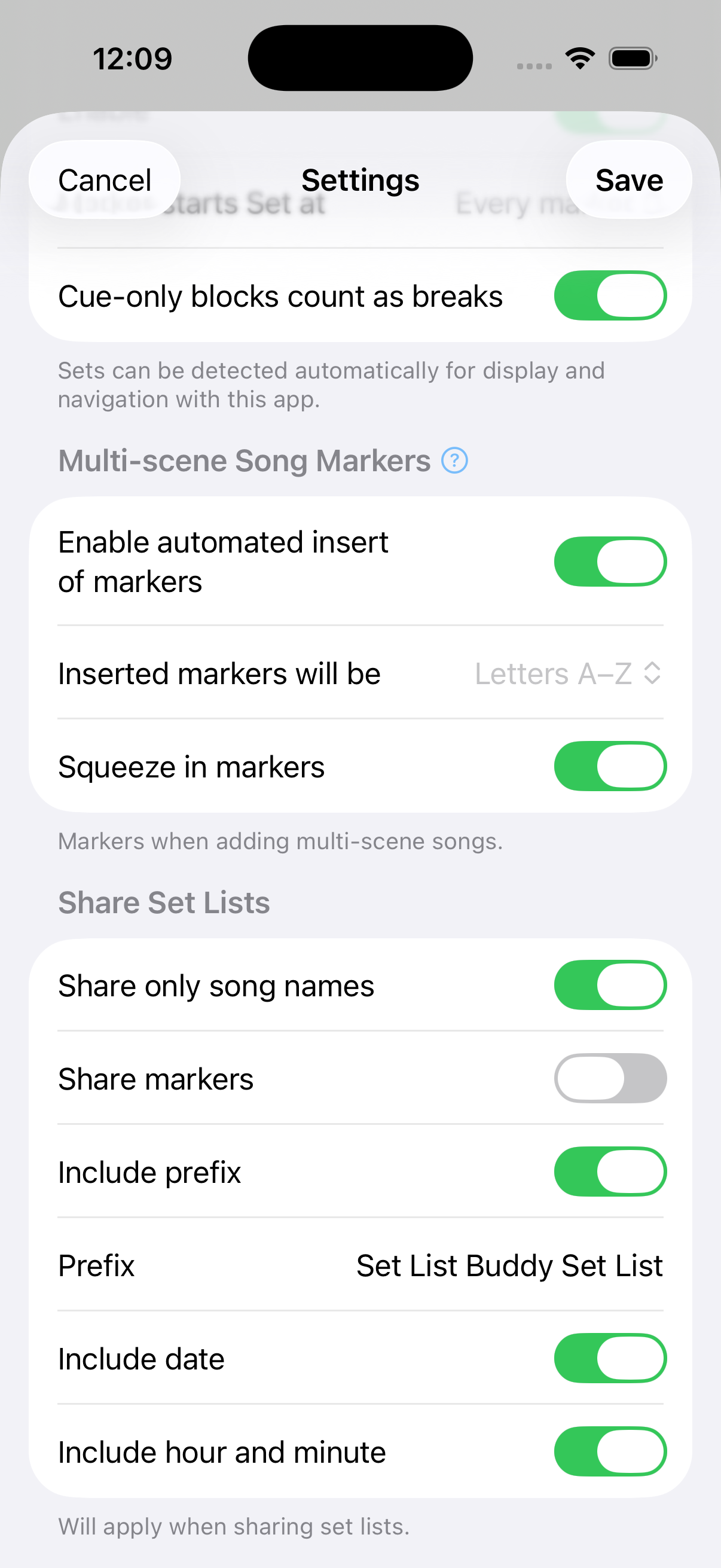
With Multi-scene Song Markers on in Settings (default), the app can offer to insert markers with the song. The finished set list still shows each scene’s own name—another reason to name the first scene after the song.
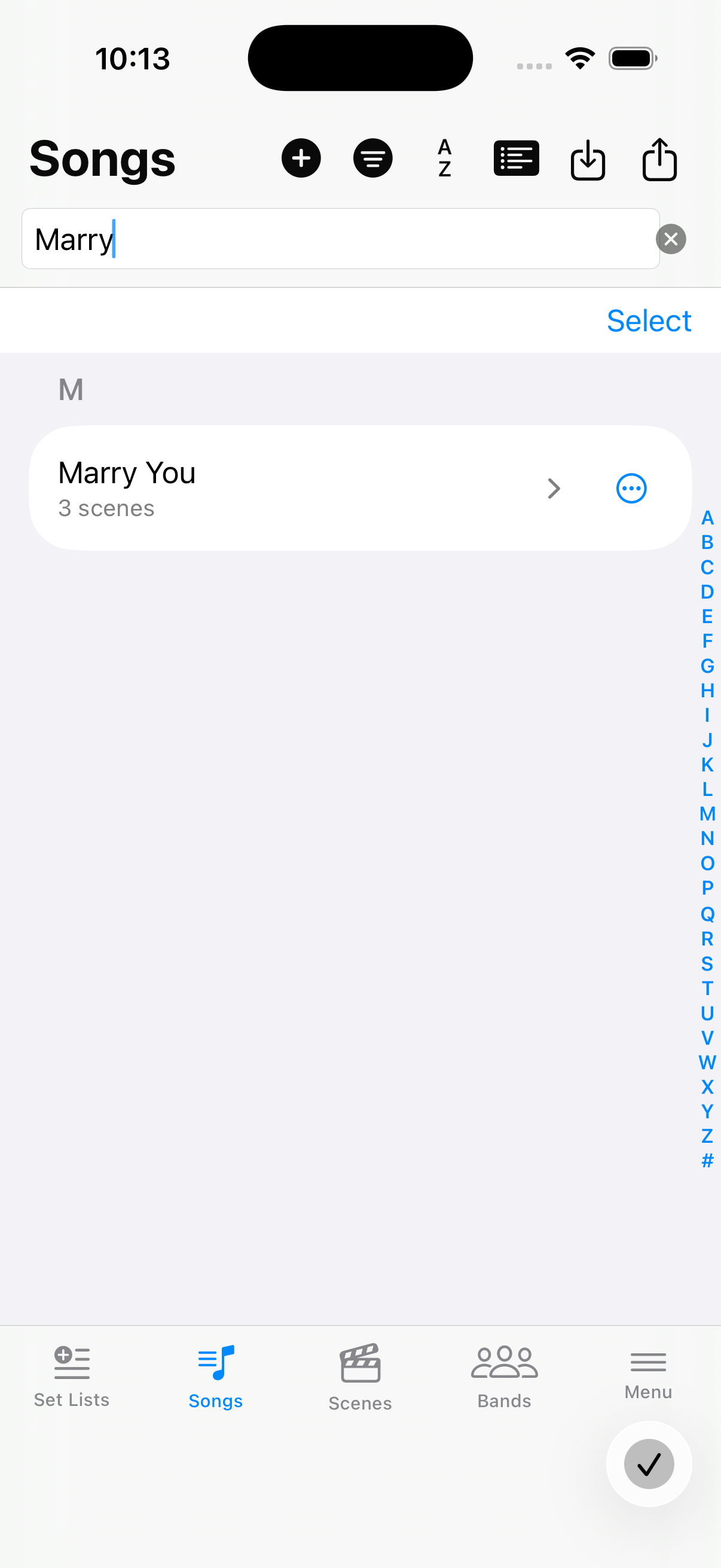
Songs list — multi-scene row
A song with several scenes shows a count and a › control so you can expand it.
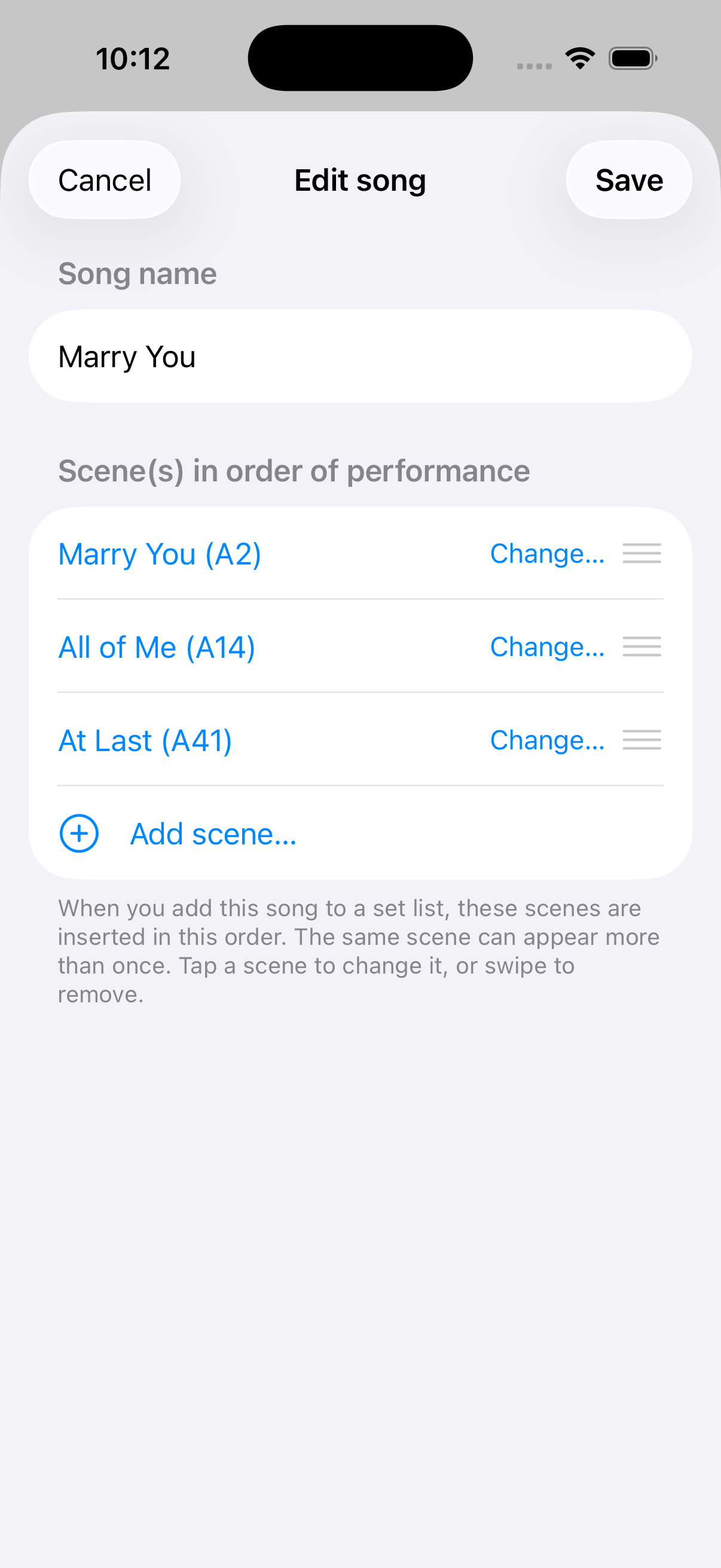
Edit the song — three scenes
Open the song to set the title and the ordered list of Fantom scenes (here: three scenes with reorder handles).
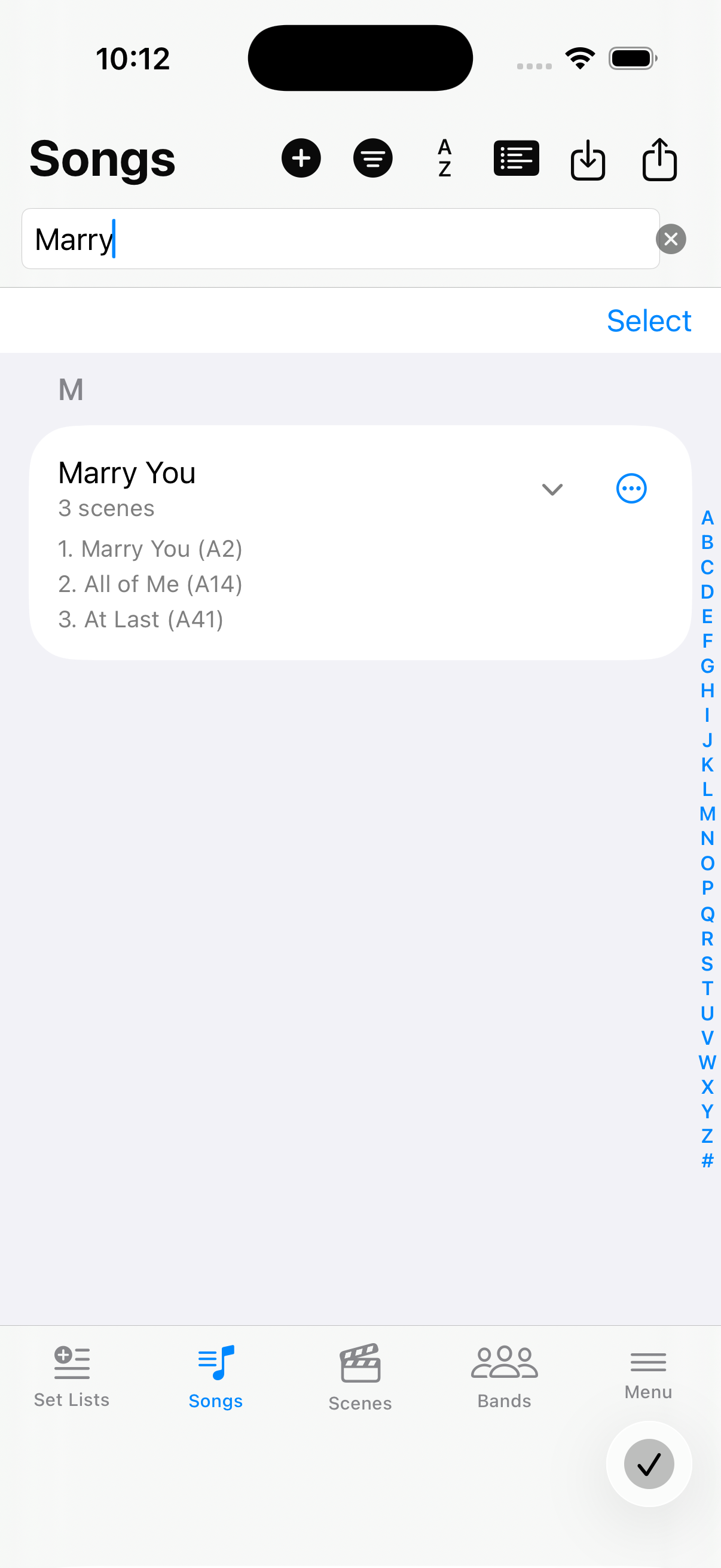
Expanded on Songs
Expand › on the Songs tab to preview the scene order without opening the editor.