Overview / Scenes / Scene Info
Scene Info
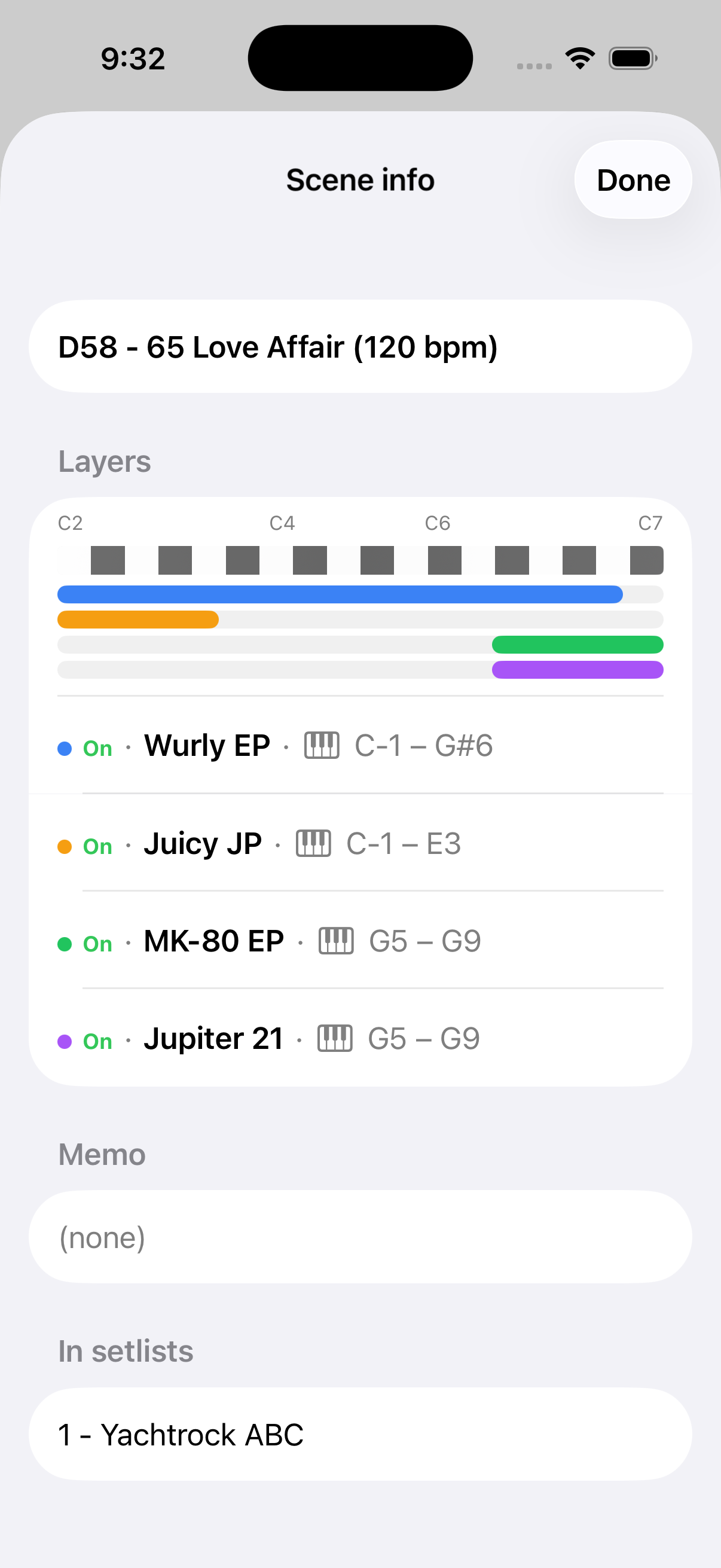
Helpful information on the Tones and Layering in your Fantom scene.
Tap in the context menu for a scene to show the bank and ID within the bank (e.g. A1), the tempo in BPM, and an overview of the tones and how they are layered across the keyboard. Fantom Set List Buddy also shows any memo you added to that scene on the Fantom. On top of all of this, you can see which set lists that scene is used in — another function on top of what the Fantom is capable of!
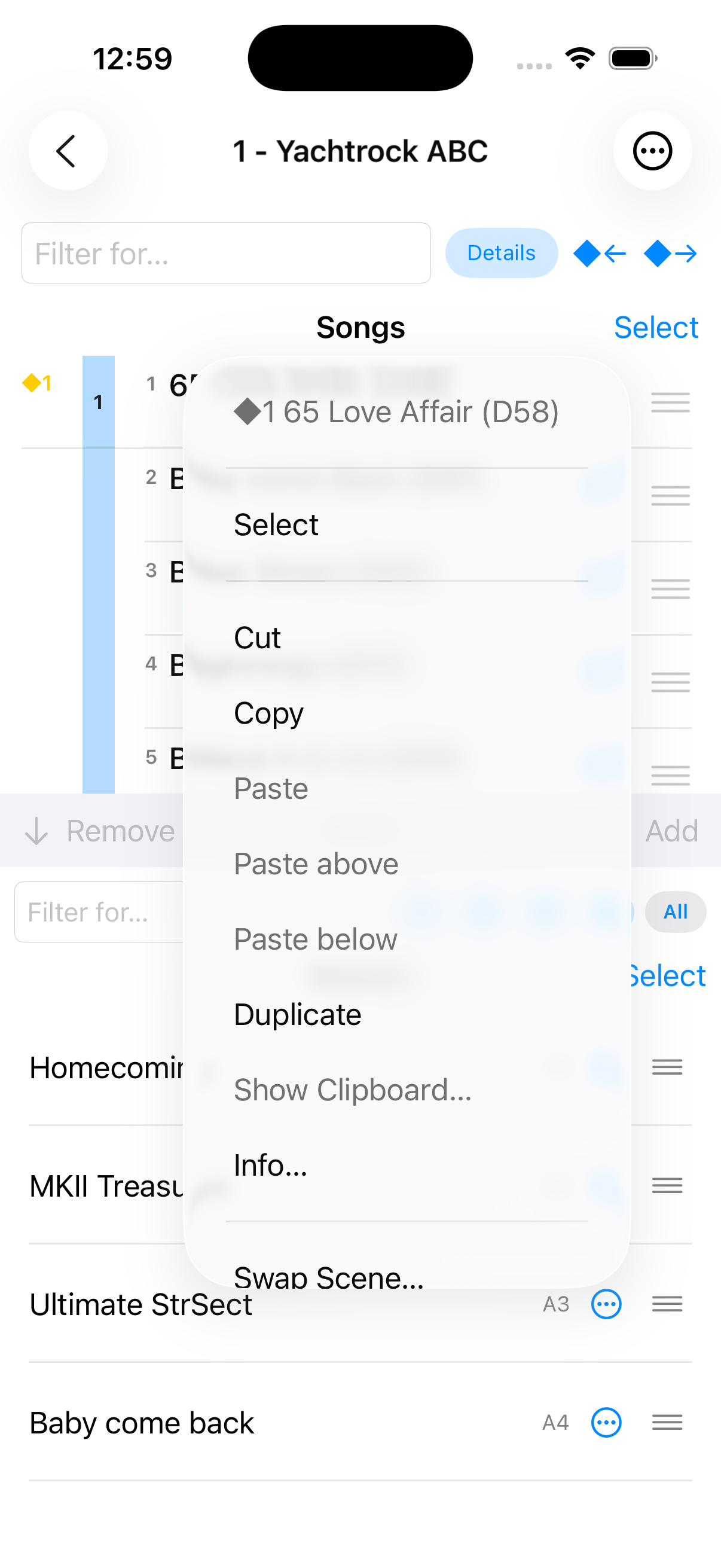
Open the context menu
Select in a scene’s context menu.
Scene Info
The bank and ID within the bank (e.g. A1), the tempo in BPM, and an overview of the tones and how they are layered across the keyboard. Any memo you added to that scene on the Fantom. Which set lists that scene is used in — another function on top of what the Fantom is capable of!