Overview / USB Stick / Switch Backup
Switch Backup
Load a different backup and choose whether to keep compatible set list edits.
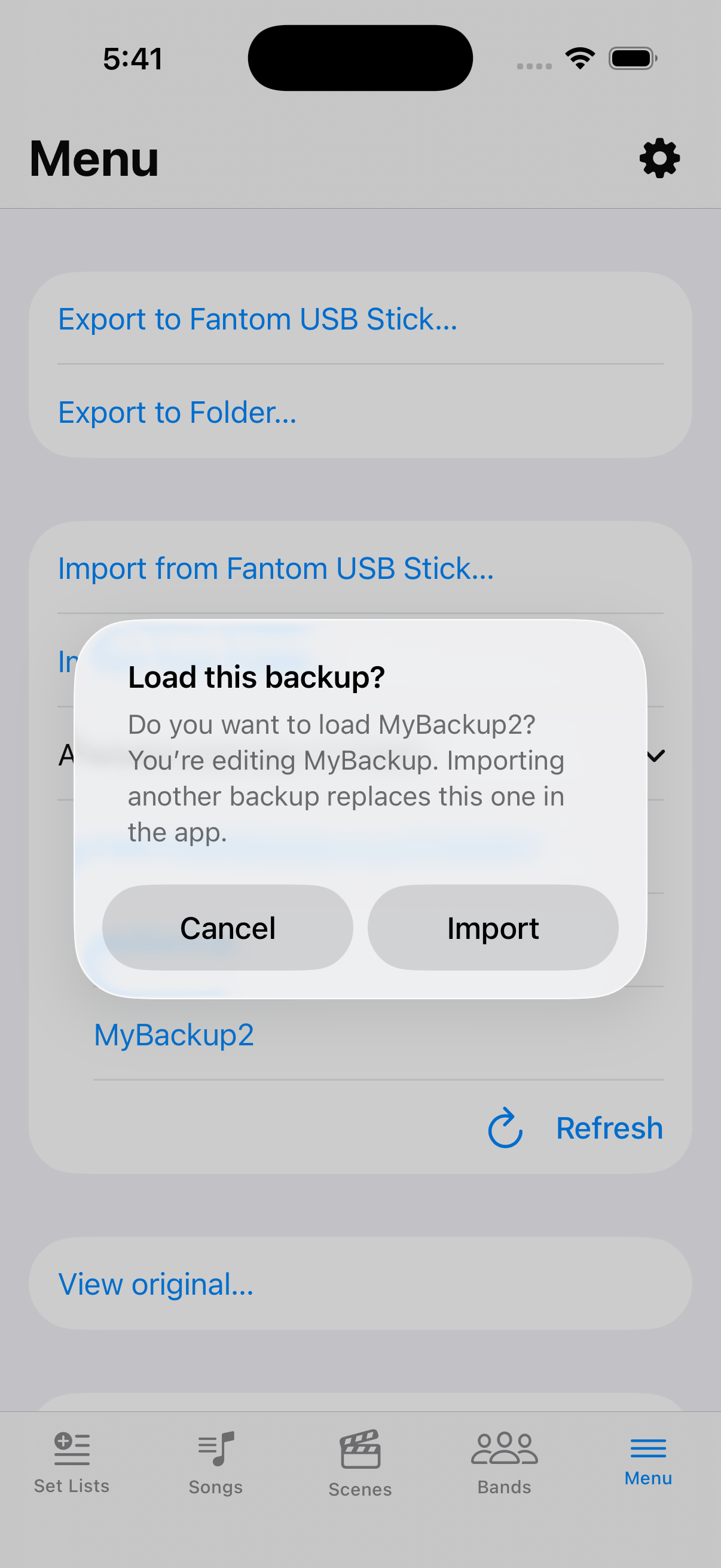
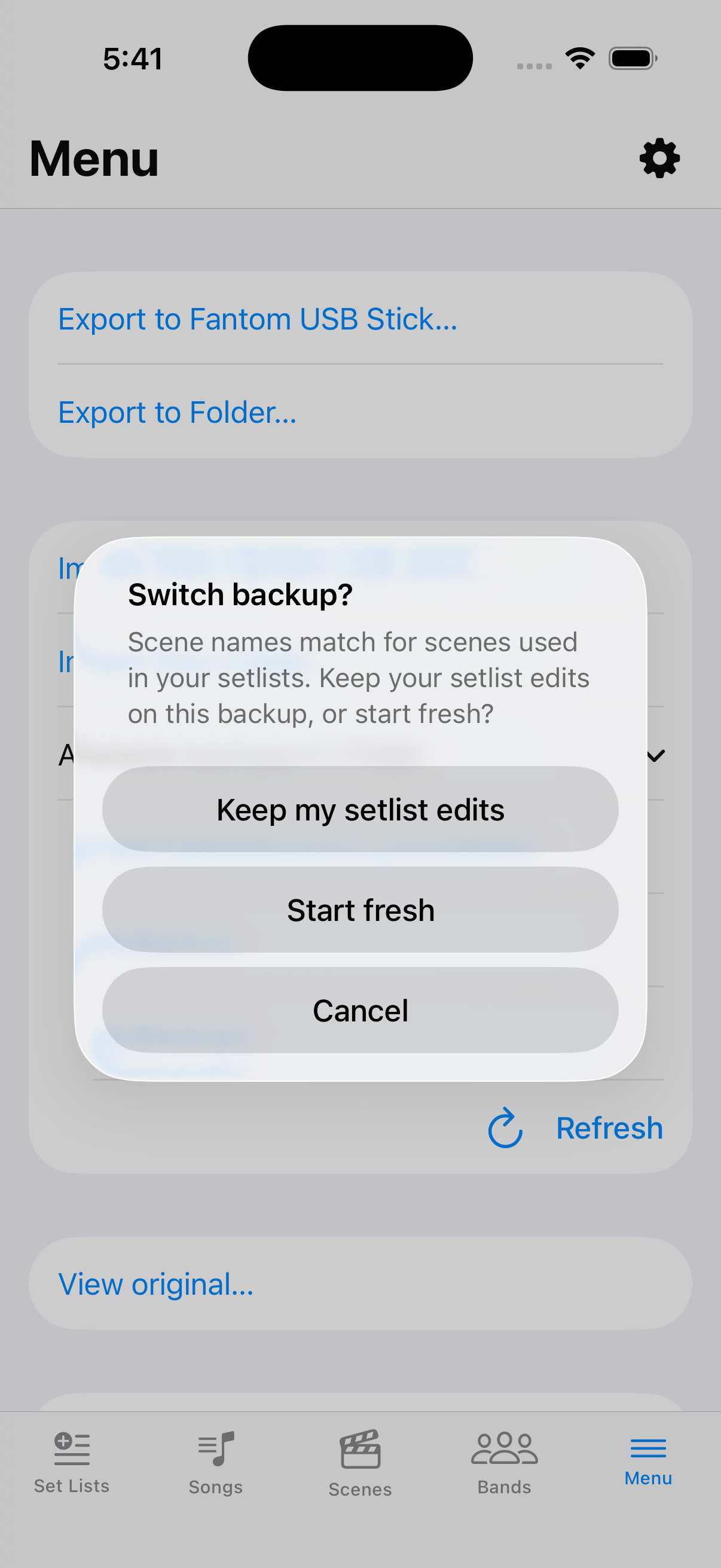
While a backup is open, importing another asks Load a different backup? After you pick, the app compares used scene names. Incompatible → Start fresh or Cancel. Compatible → Keep my set list edits / Start fresh / Cancel.
Pick another backup on the USB Stick tab
On USB Stick, use Import… or choose a row under Available backups in Folder.
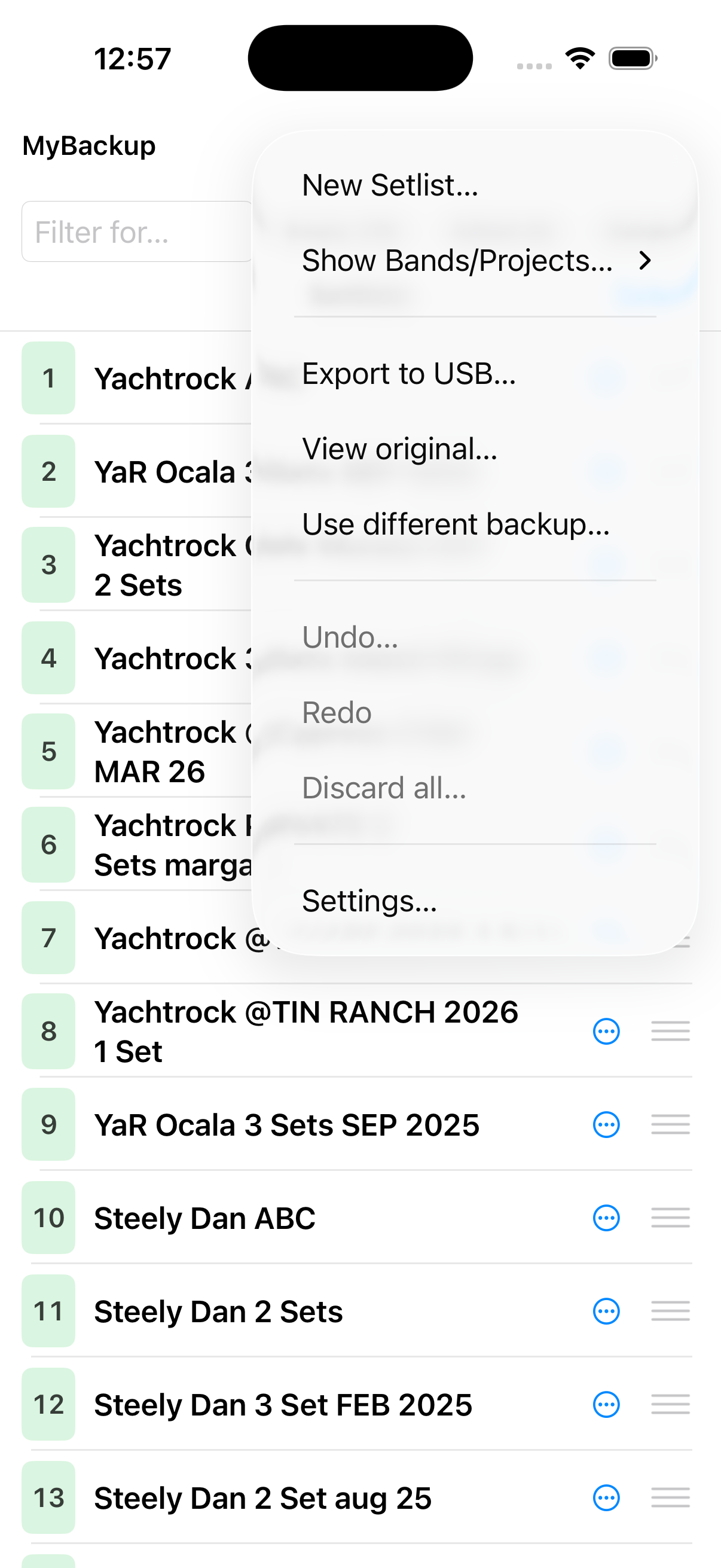
Confirm the switch
Answer the Load / Keep edits prompts so you do not lose work by accident.