Overview / Funky Stuff / Home Screen Action
Home Screen Action
Press and hold the app icon and jump straight into New Set List from Text.
On iPhone or iPad, press and hold the Fantom Set List Buddy icon on the Home Screen. Choose New Set List from Text.
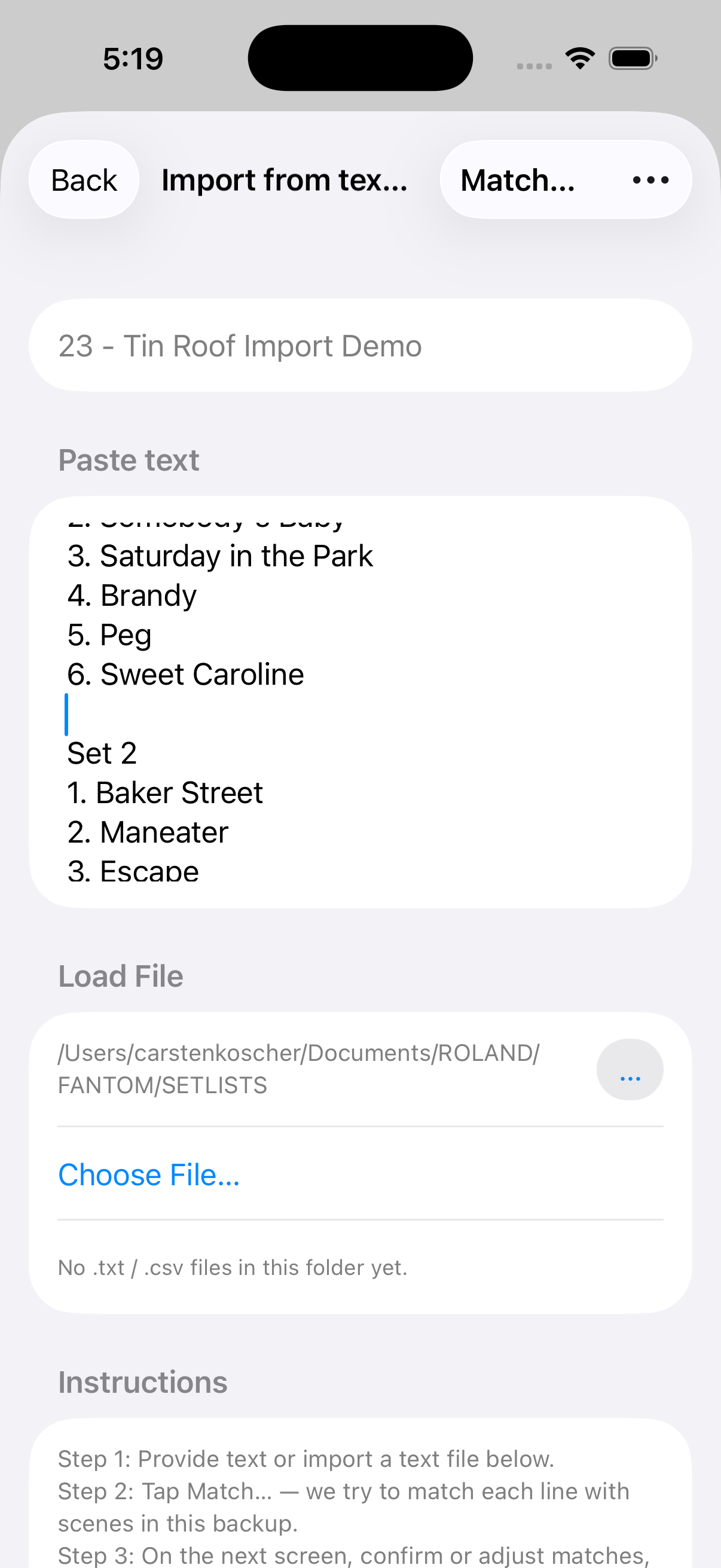
With a backup already open, the app jumps to the first empty set list slot and opens Import from text. If you had no text yet, paste or open a file there, then Match…, review, and create.
On Android, the launcher shortcut is labeled New from Text.. and does the same job: open Create from Text into the first empty slot (after Terms and a loaded backup).
Press and hold the app icon
On the Home Screen, press and hold Fantom Set List Buddy until the Quick Actions menu appears.
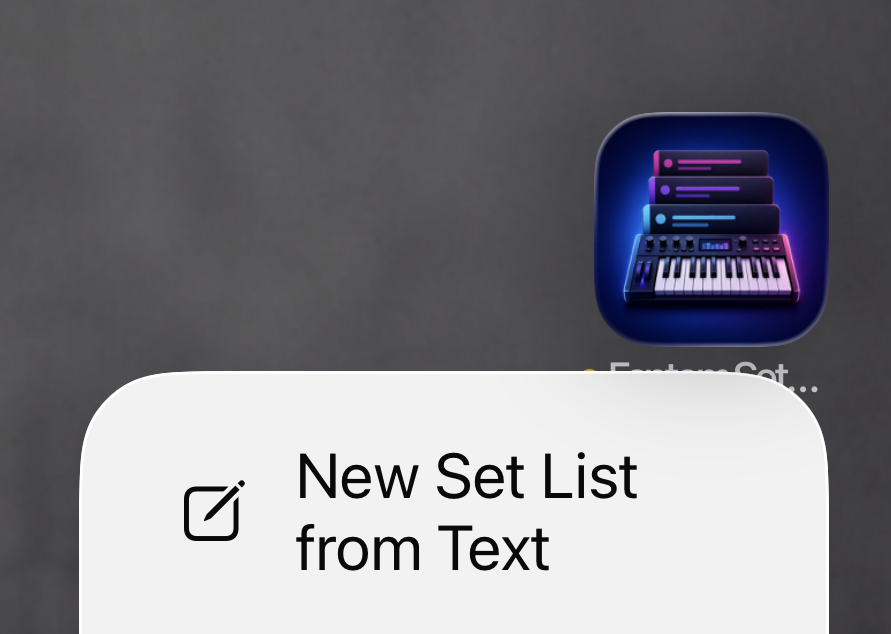
New Set List from Text
Tap the action. Finish with Match…, Review, and Create setlist inside the app.