Home / Songs / Song context menu
Song context menu
Clipboard, Info, swaps, markers, and Remove for songs in the open set list.
Inside an open set list, tap  on a song—or press and hold the song—to open the context menu. Scroll the menu if you need an action further down the list. A swipe on a song only offers Remove.
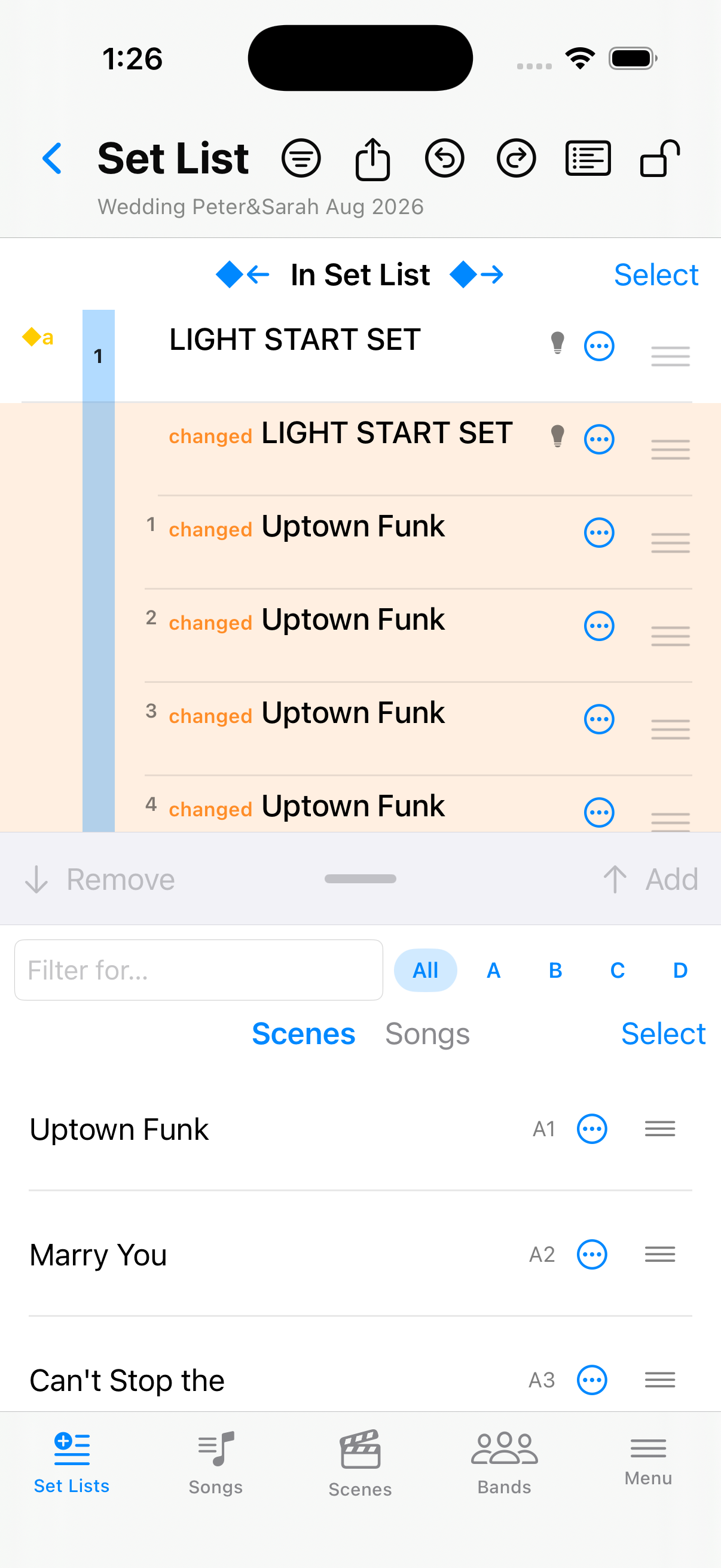
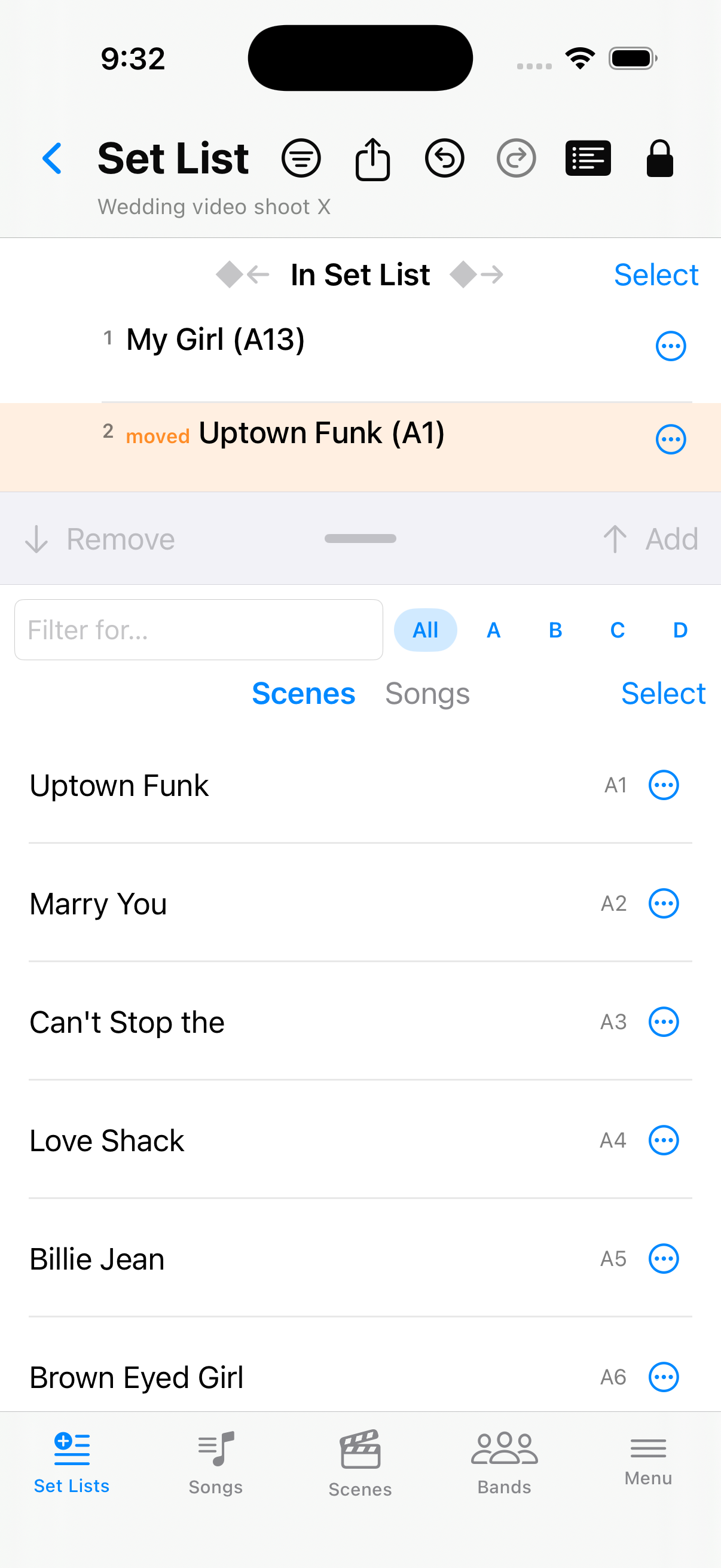
Before — songs in the set list
The open set list before you change a song.
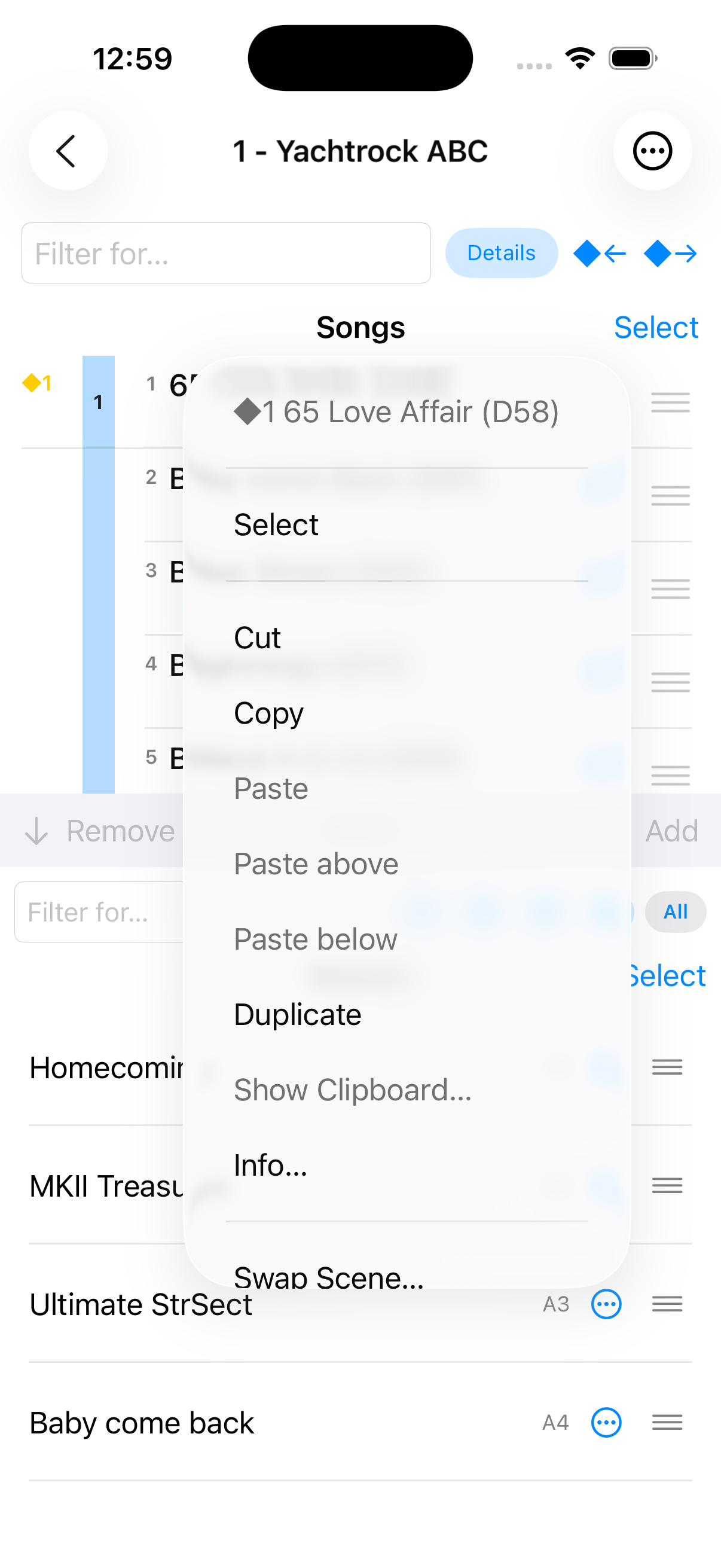
Song context menu
Top of the menu: Select, Cut / Copy / Paste, Show Clipboard…, Info…. Scroll for swaps, markers, and Remove.
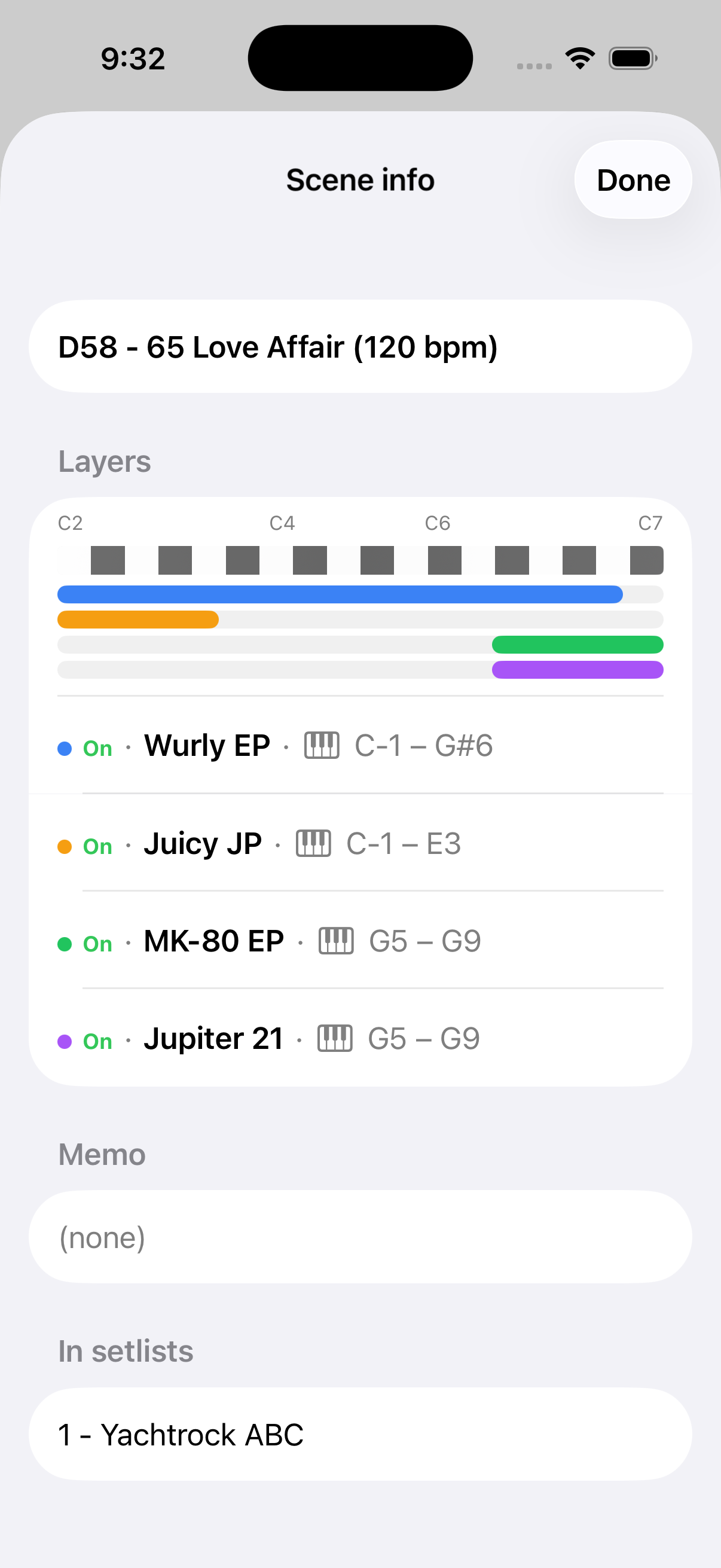
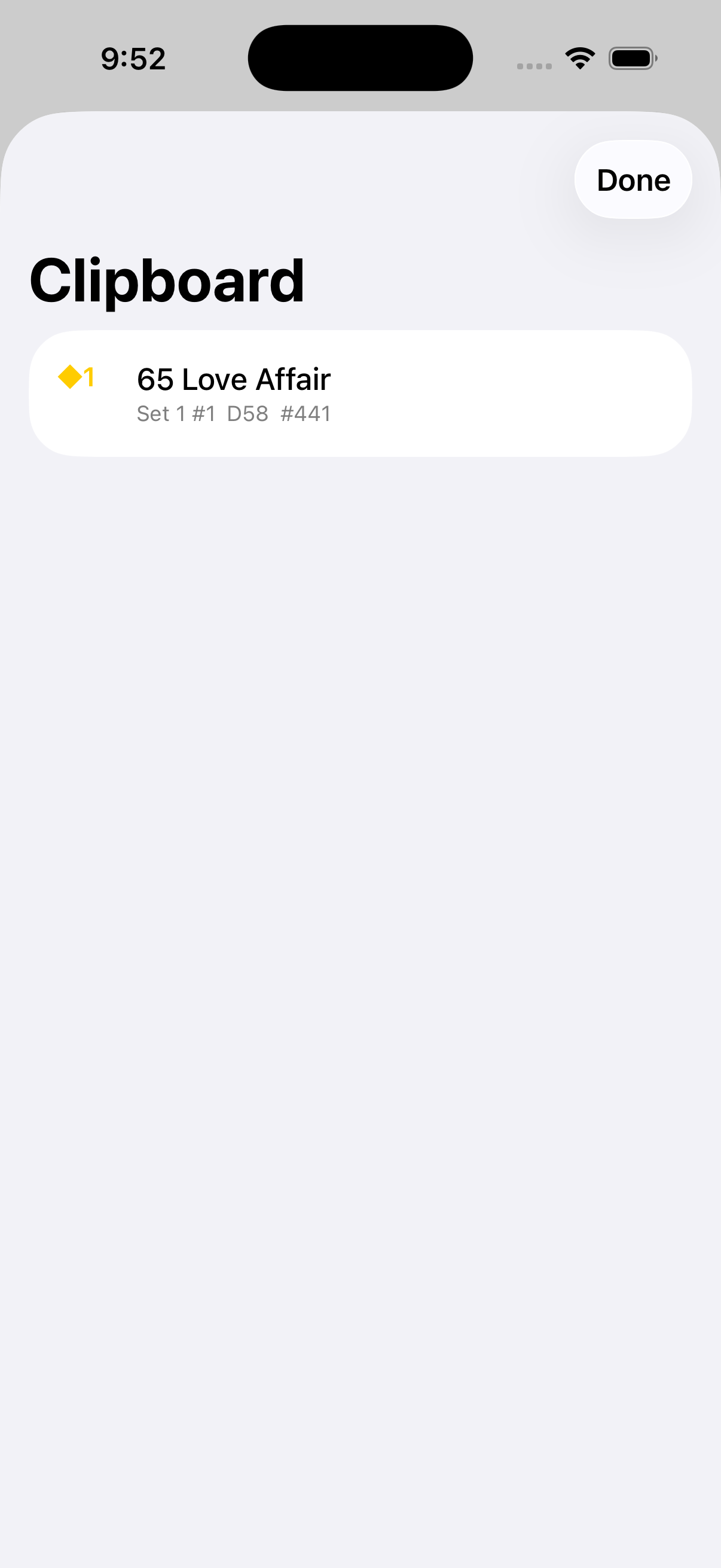
Info… and clipboard
From the context menu, shows tones and set lists. lists what you cut or copied.
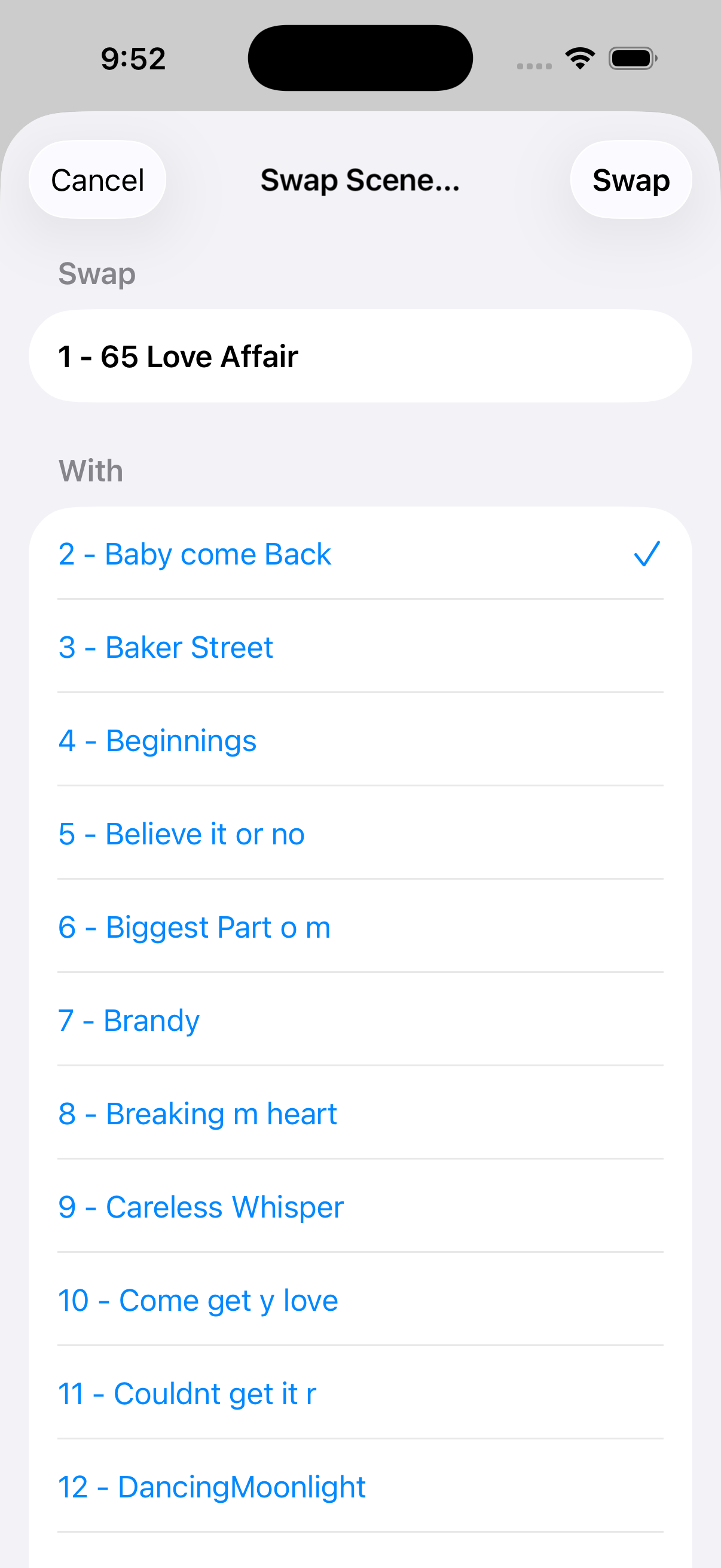
Swap Scene… — dialog and after
From the context menu (scroll if needed), exchanges two songs in the same set list.
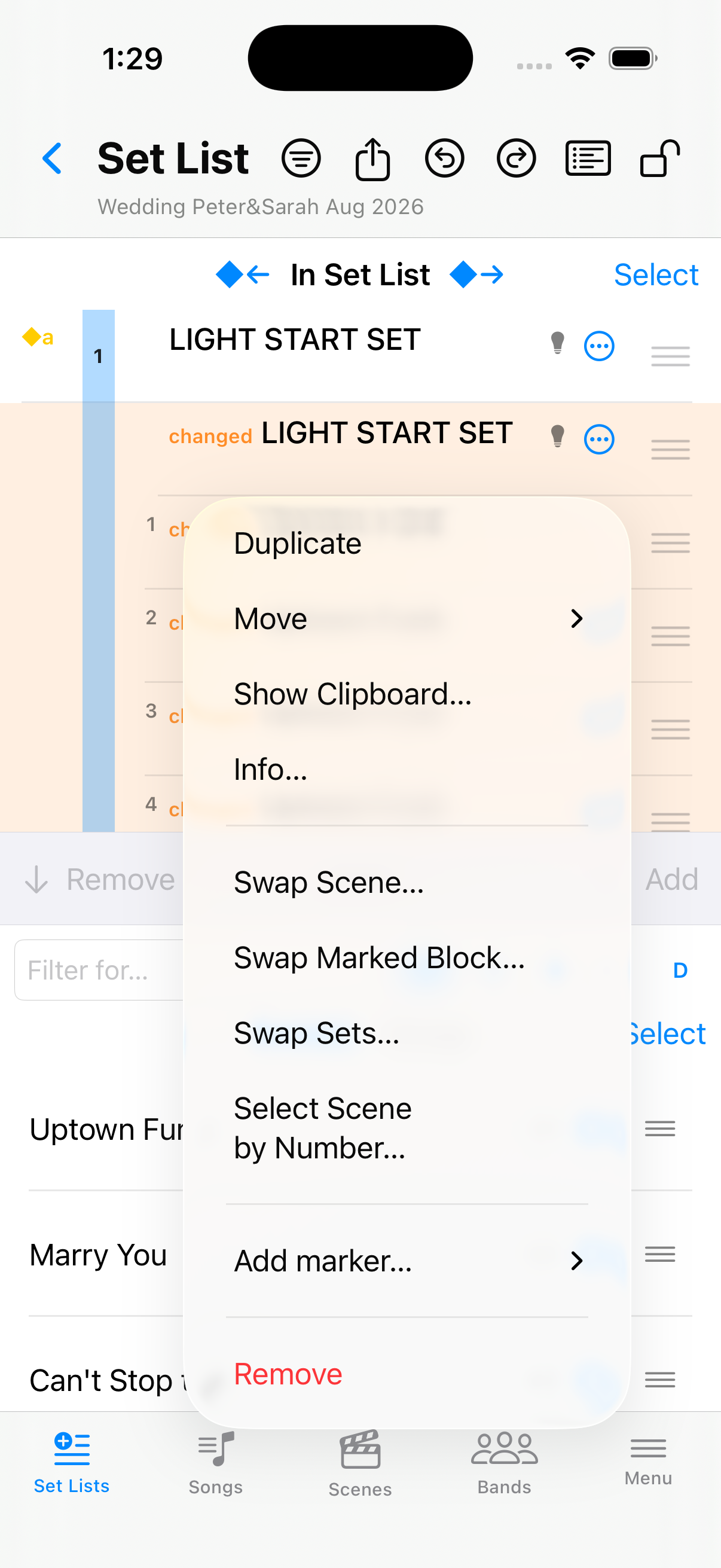
Other swaps and select by number
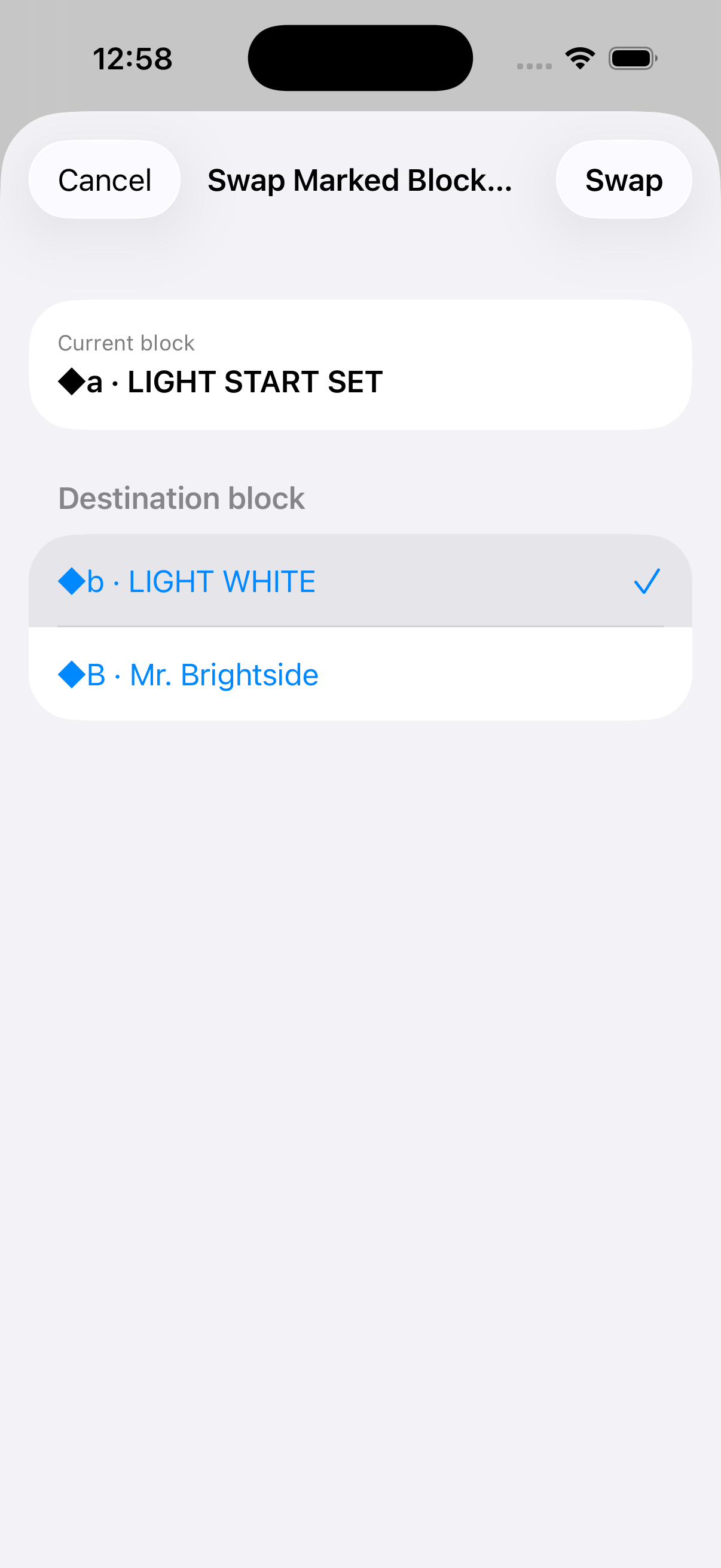
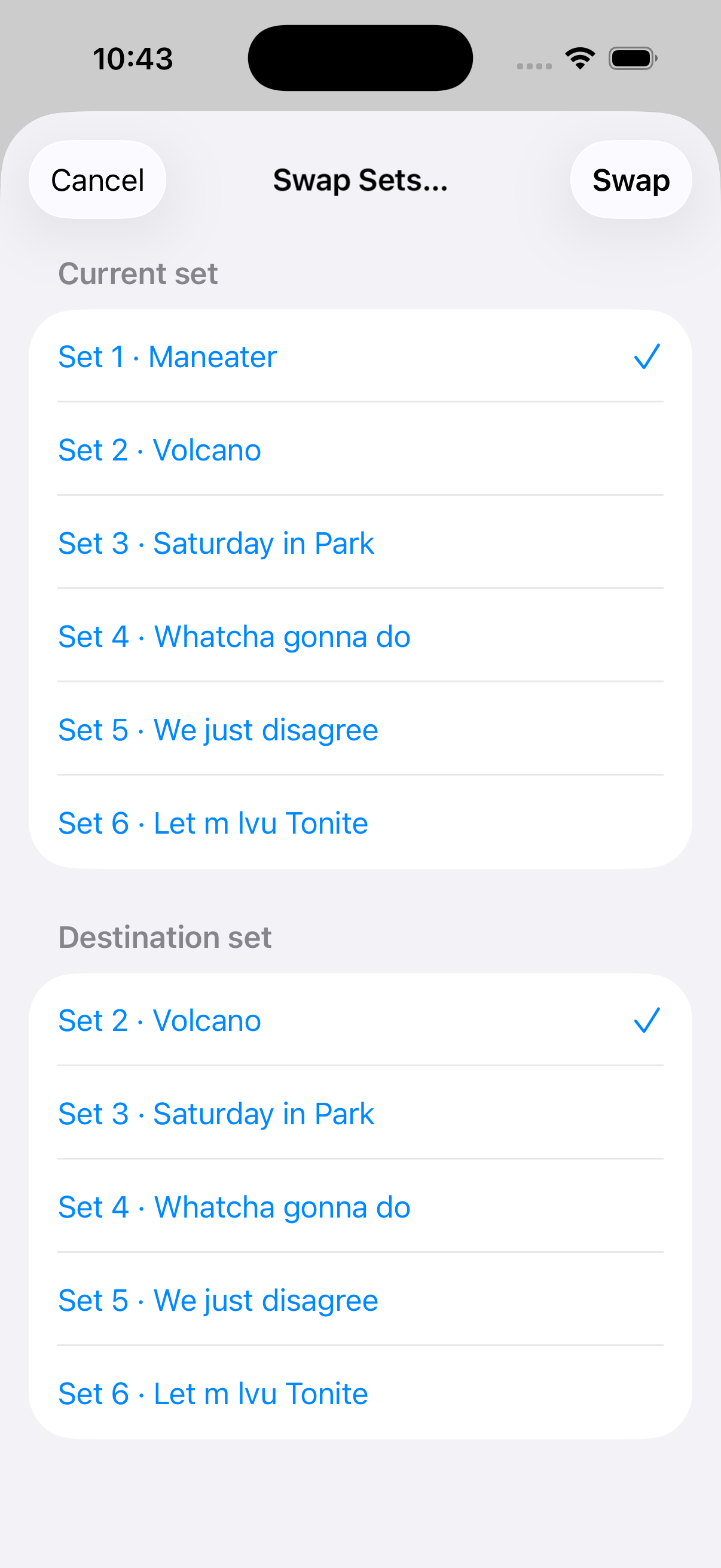
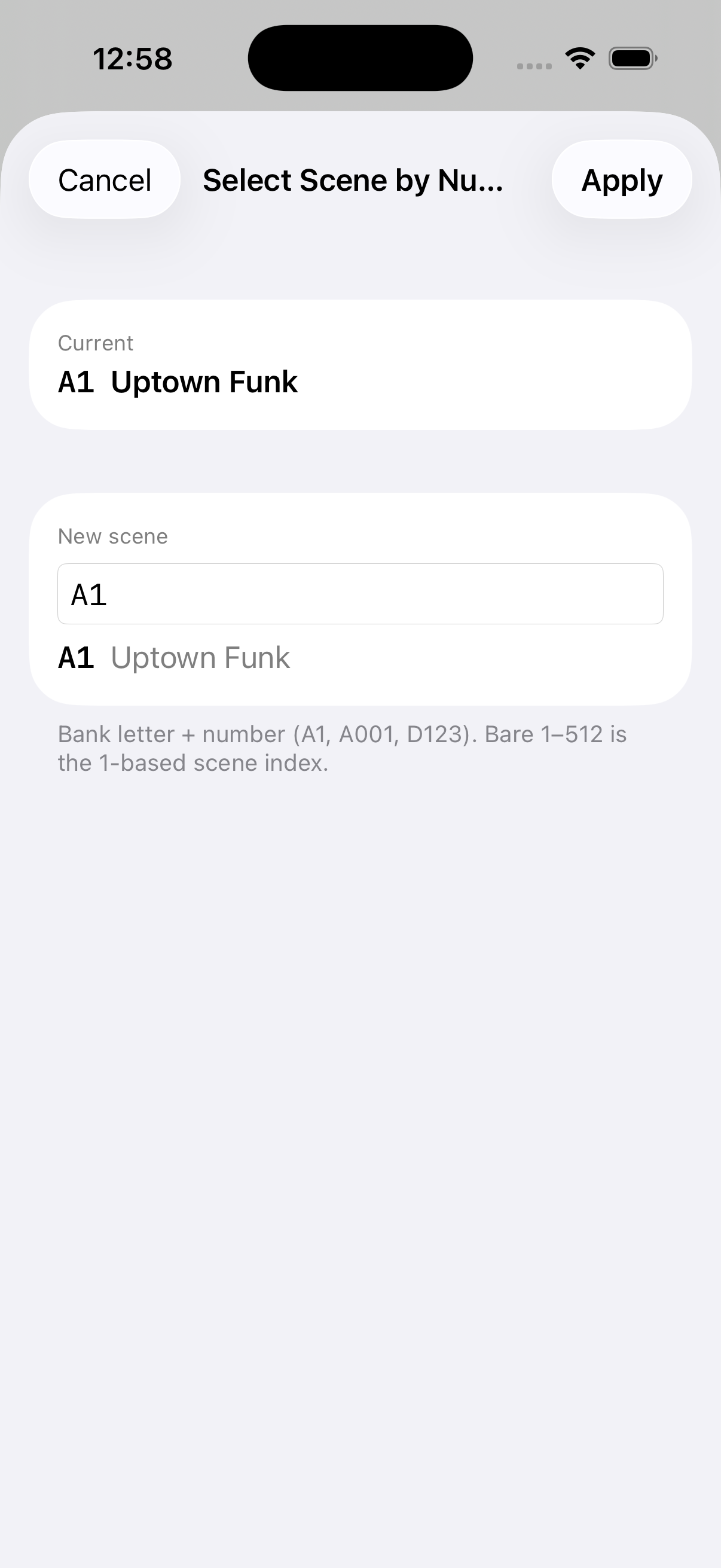
From the context menu: , (needs ≥2 detected sets), and .
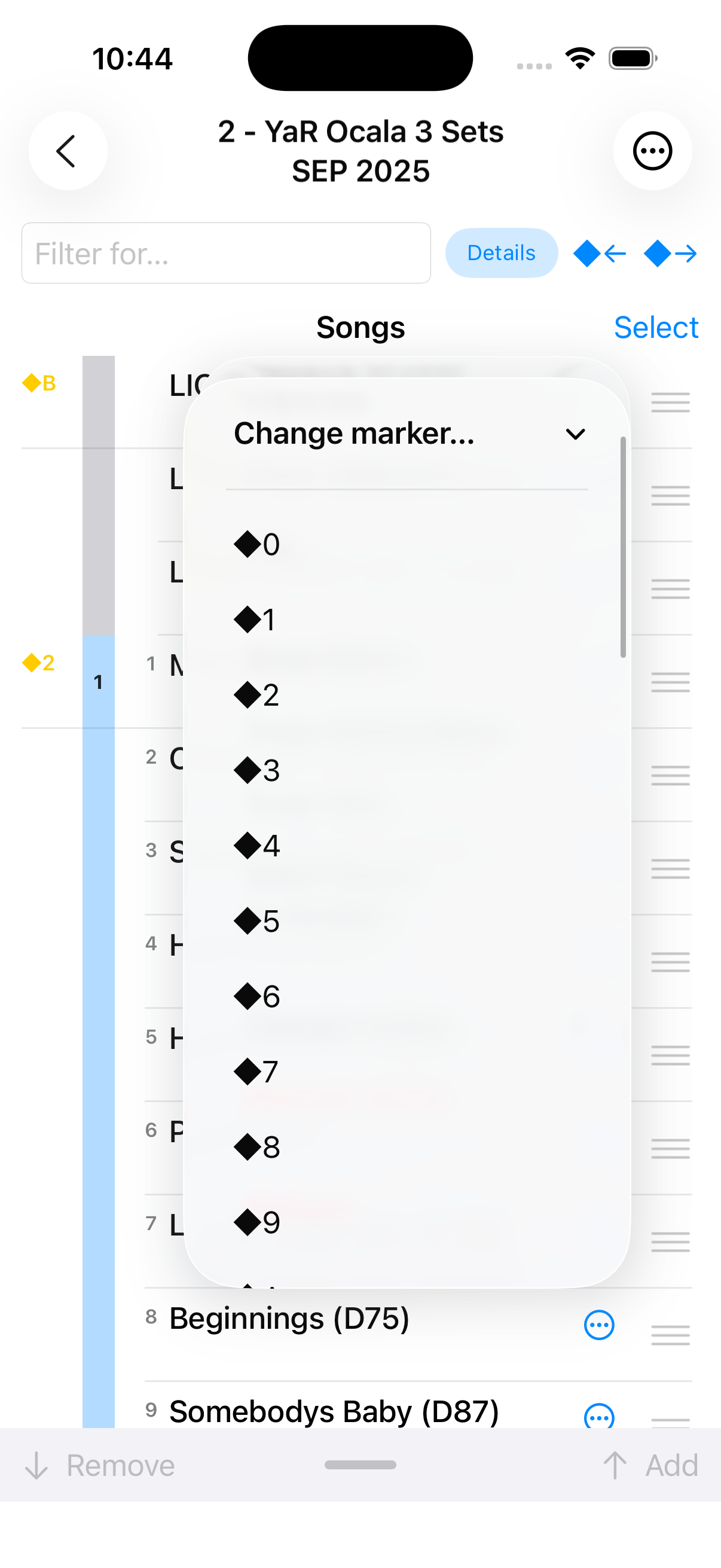
Markers
From the context menu, add, change, or remove ◆ markers.