Home / Edit a Set List / Scenes and Songs picker
Scenes and Songs picker
Add scenes or songs from the Songs tab into the set list you have open.
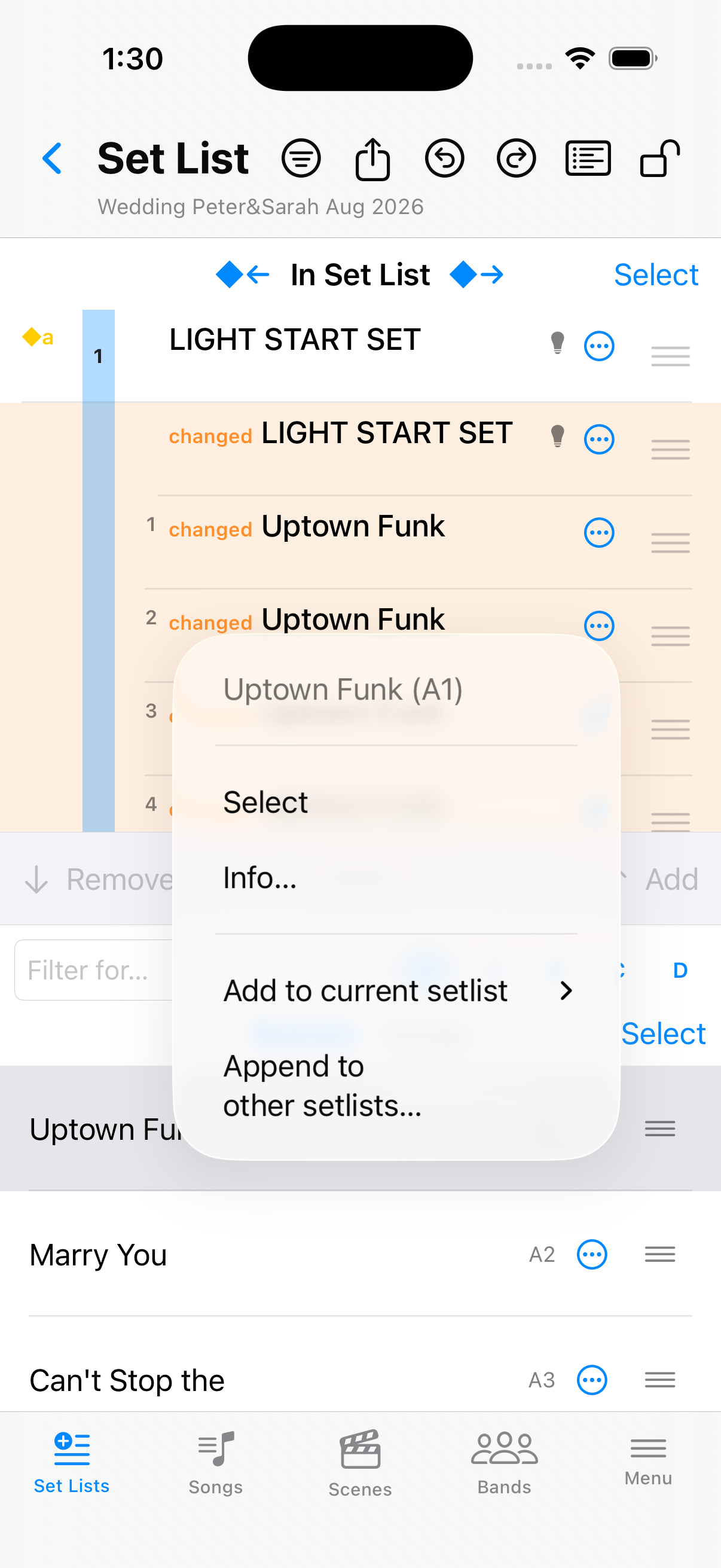
Under the transfer handle, switch between Scenes (full table, banks A–D) and Songs (titles from the Songs tab). Tap  on a scene—or press and hold it—for the context menu.
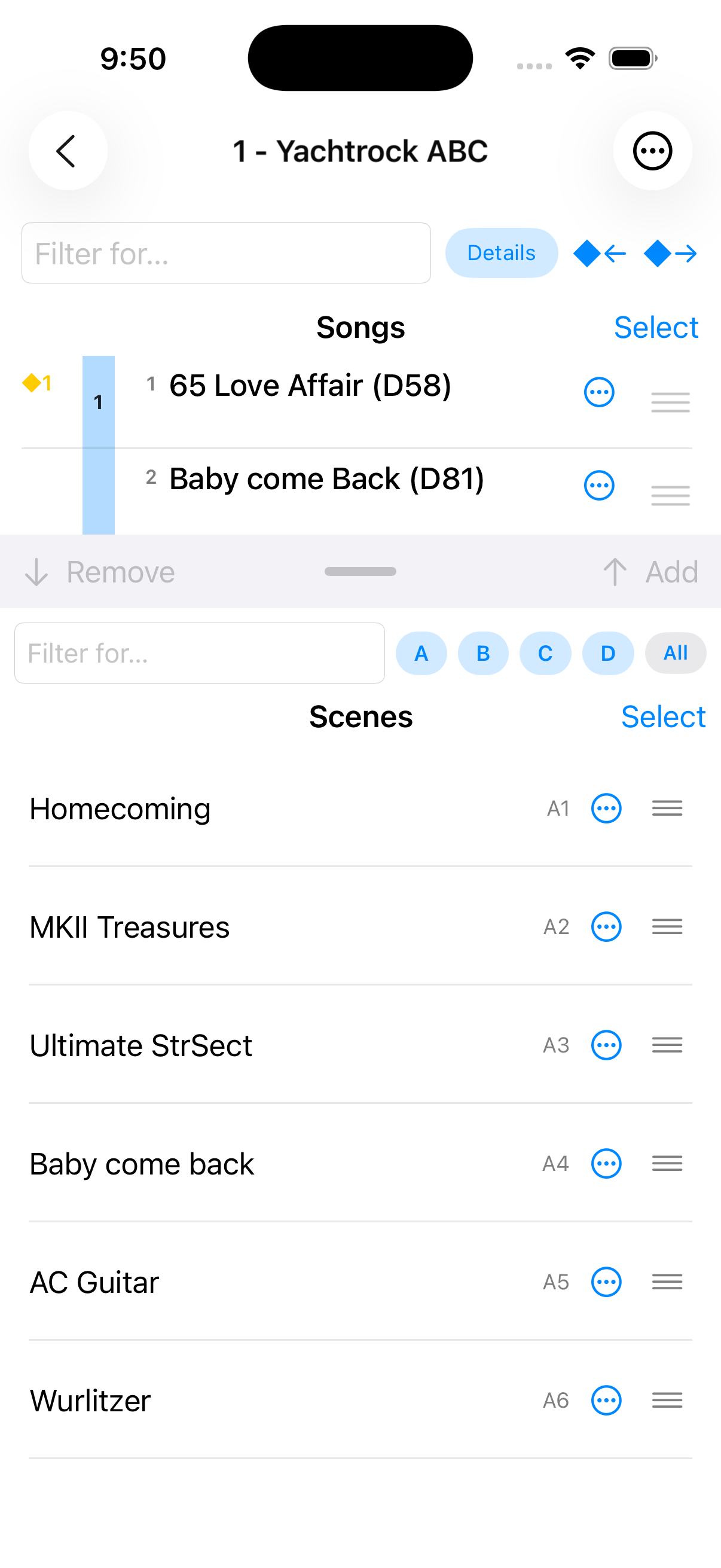
Before — picker open
Scenes list under the open set list.
Scene context menu — menu and Append…
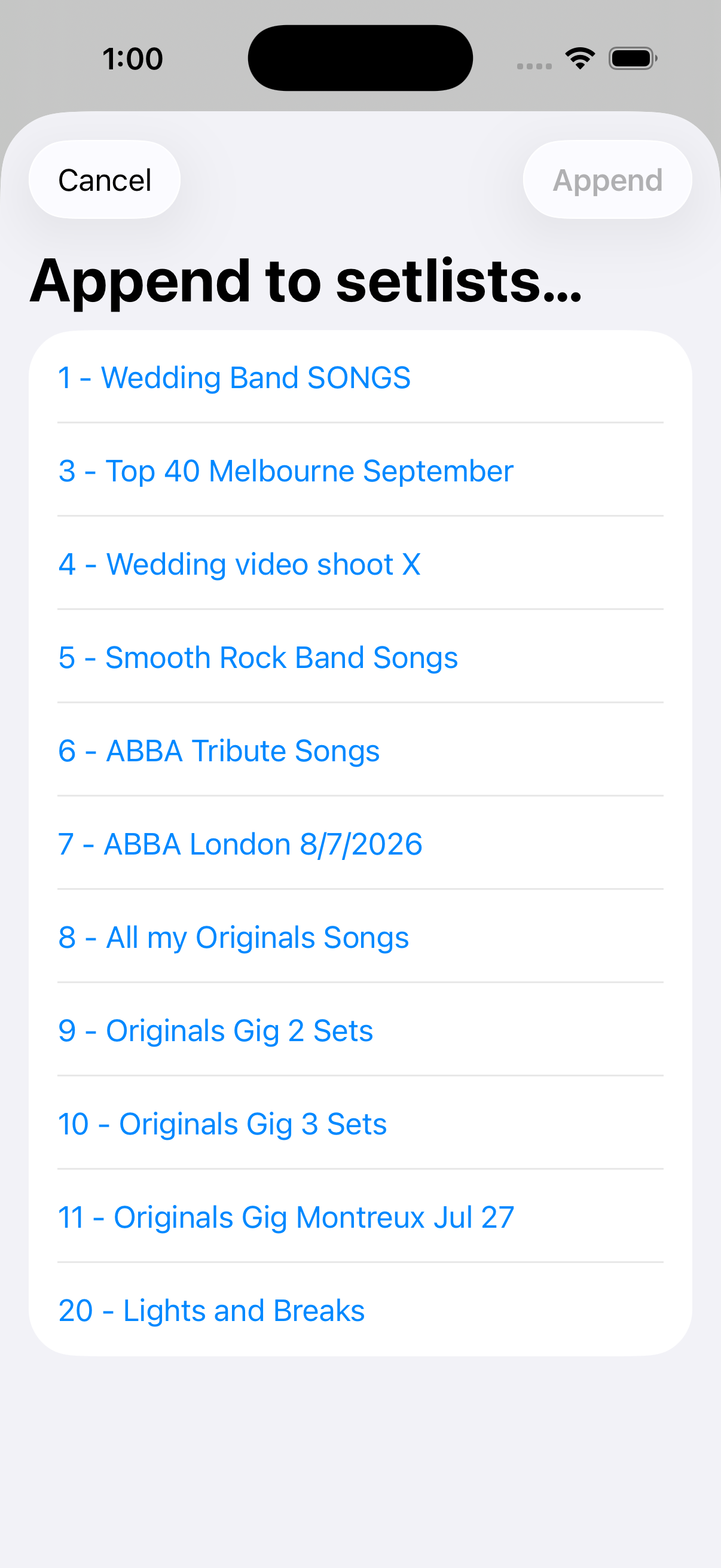
From the context menu: , add to the current set list, or .